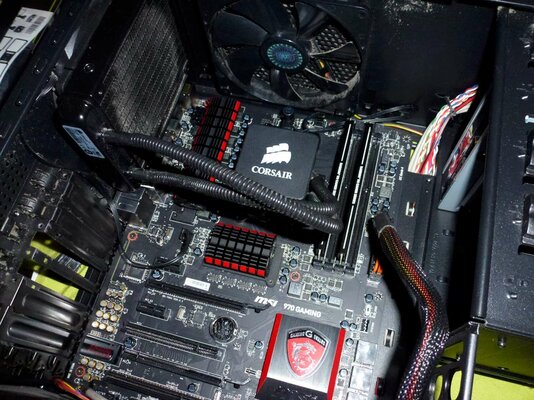
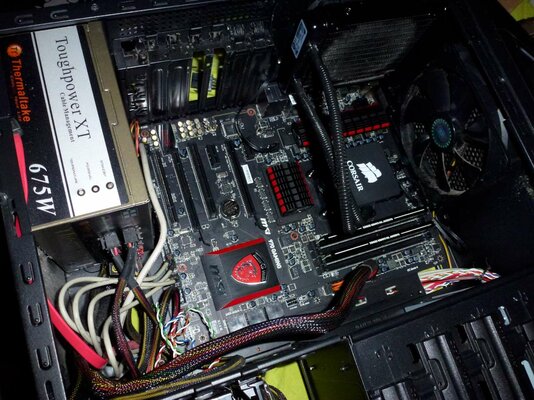
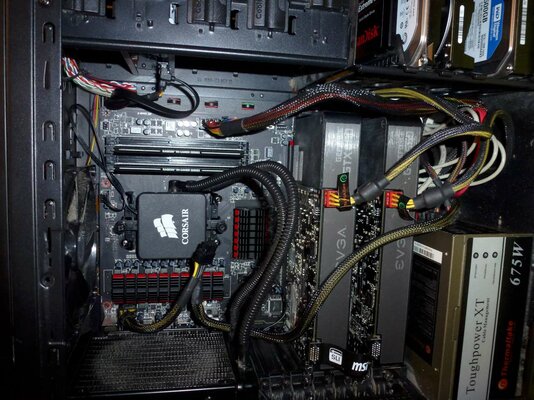
should work if you keep the directory structure the same.
probably need to do it in safe mode. and id use a batch opperation like Xcopy "drive with game" *.* "drive you want to use now"
so example..
xcopy d:\*.* e:\
just type your version needed in to command prompt in safe mode.
then go off for a number of coffees
you would want to be in safe mode, that way files should not be in use.
then you can power off remove the current D drive. get in to windows and if needed change E: to d: (in theory it should automatically take the D letter but probably wont.)
that should work for everything near enough. "cant think of anything it wont work for because it is not the os drive"
also any apps n stuff you may already have on E would probably stop working when you changed the letter to D.
and you shouldnt clone to ssd's it can mess up their performance "will usually be slower"
there are apps that will move the things for you. "i find it much easier to just reinstall though"
but an app is SSD Boost Manager
its also a good idea to change windows envoiroment variables for temp files page files and so on.
and your firefox/chrome etc default download location.
probably need to do it in safe mode. and id use a batch opperation like Xcopy "drive with game" *.* "drive you want to use now"
so example..
xcopy d:\*.* e:\
just type your version needed in to command prompt in safe mode.
then go off for a number of coffees
you would want to be in safe mode, that way files should not be in use.
then you can power off remove the current D drive. get in to windows and if needed change E: to d: (in theory it should automatically take the D letter but probably wont.)
that should work for everything near enough. "cant think of anything it wont work for because it is not the os drive"
also any apps n stuff you may already have on E would probably stop working when you changed the letter to D.
and you shouldnt clone to ssd's it can mess up their performance "will usually be slower"
there are apps that will move the things for you. "i find it much easier to just reinstall though"
but an app is SSD Boost Manager
its also a good idea to change windows envoiroment variables for temp files page files and so on.
and your firefox/chrome etc default download location.
Last edited: