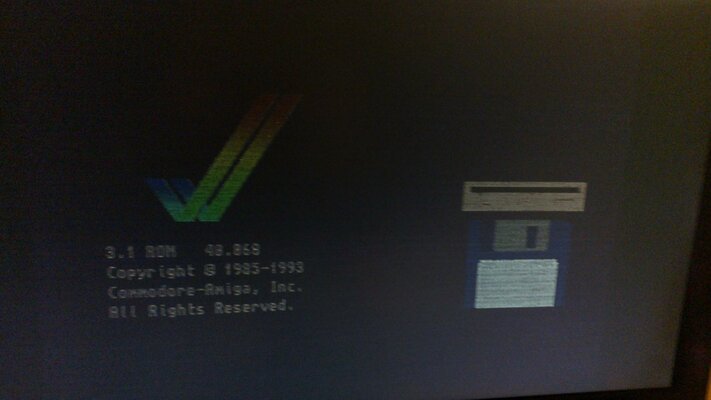
Hi just got myself a A4000/40 that had some damage from battery, I have removed batt and cleand the surrounding area but not done any rep yet as I wanted to test the machine first.
Unfortunatly when I connect the board up with only chip mem and CPU board nothing else connected to it the psu just makes clicking noises and fan in psu does not start, measuring the voltages off the psu +12V is fluctuating around 0,5V-1V same thing with +5V line, when I disconnect it from A4k MB the psu powers up and fan starts spinning and the +12V line measures 11,31V and 5V is at 5,1V.
In my eyes this indicates a dead psu or a short on the A4k MB somwhere is there a easy way of testing the MB for shorts before I order a new PSU?
Unfortunatly when I connect the board up with only chip mem and CPU board nothing else connected to it the psu just makes clicking noises and fan in psu does not start, measuring the voltages off the psu +12V is fluctuating around 0,5V-1V same thing with +5V line, when I disconnect it from A4k MB the psu powers up and fan starts spinning and the +12V line measures 11,31V and 5V is at 5,1V.
In my eyes this indicates a dead psu or a short on the A4k MB somwhere is there a easy way of testing the MB for shorts before I order a new PSU?
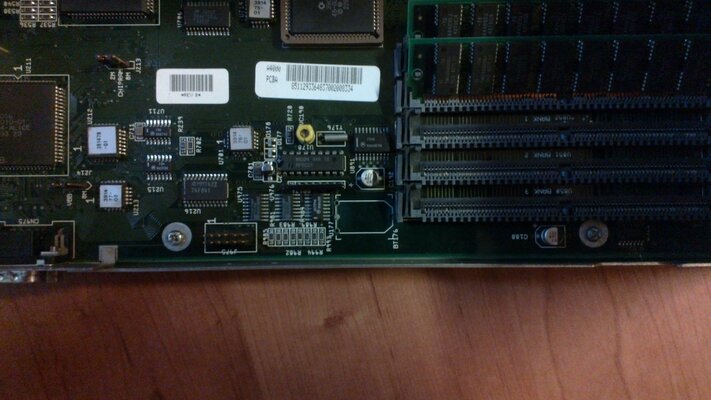
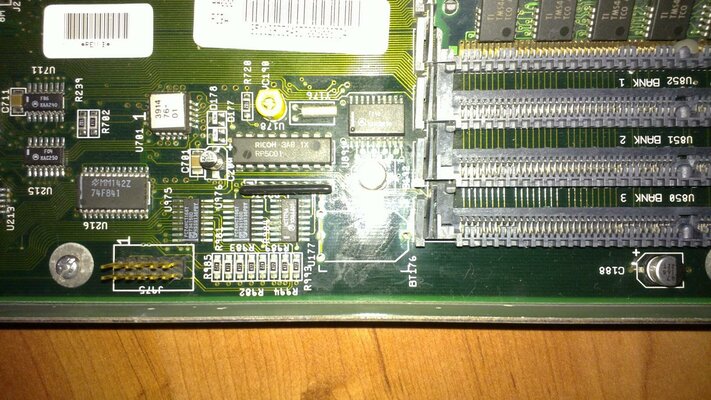

 Thanks for your help found the problem, in my hurry to get this tested I got the cpu card missalinged in the slot and shorted out the MB.