Bastich
Active member
Hi all 
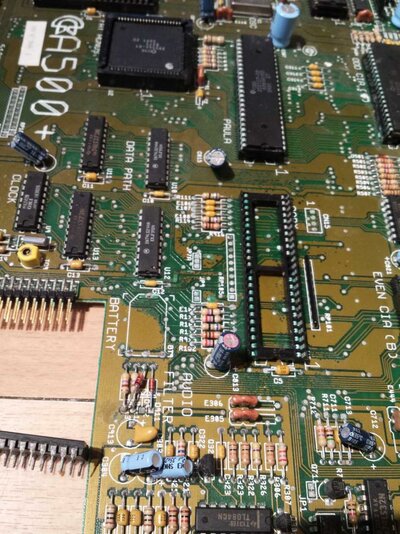
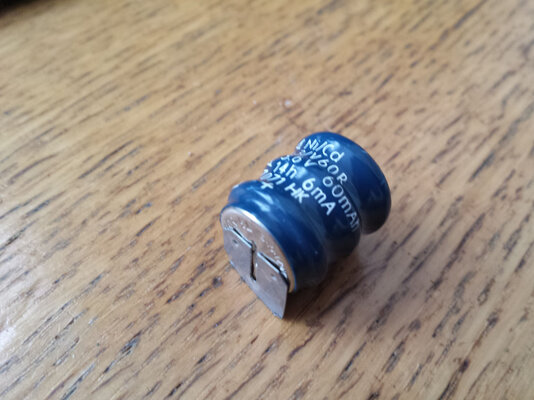
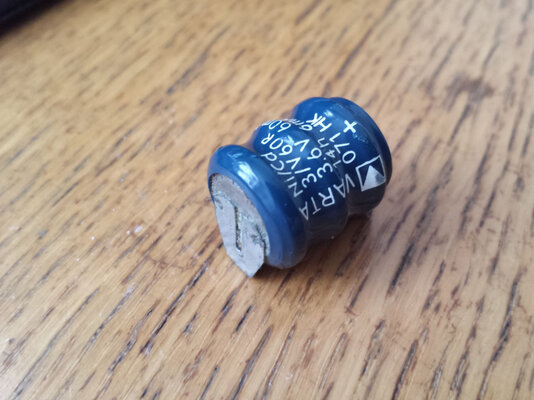
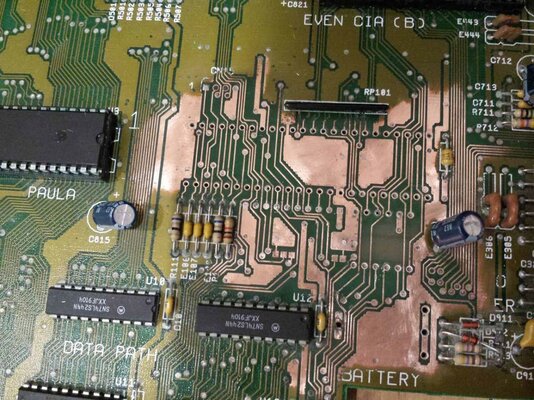
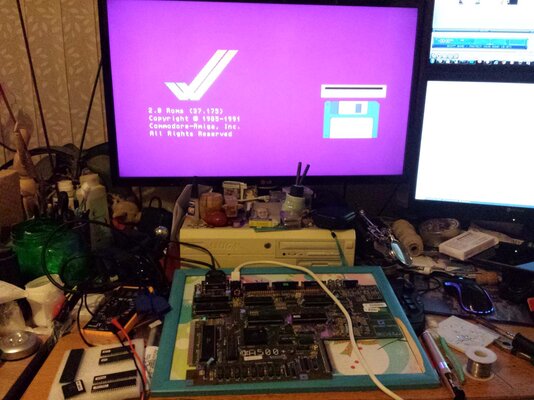
I have recently been attempting to repair a dead A500+. As expected the battery had made a good mess of the board and killed Gary and the socket. Since the initial clean up I have removed the damaged socket, nearby resisters and stripped the motherboard lacquer around the effected area. Once this was done I managed to find one broken track which I have repaired and then applied new lacquer. After certifying the tracks around the battery etc I have fitted a salvaged socket and Gary to the board. I was very happy last night as after all my hard work the system works almost perfectly. The main problem remaining is that the floppy drive LED does not come on when in use. The drive itself works fine including its own onboard LED. I have tried 3 different keyboard controllers and all do the same (I prefer the red power /caps LED). Does anyone have any ideas why the floppy LED dies not light? The system loads disks plays sound everything other than the floppy LED. I will update this thread with some pictures later tonight.
I have recently been attempting to repair a dead A500+. As expected the battery had made a good mess of the board and killed Gary and the socket. Since the initial clean up I have removed the damaged socket, nearby resisters and stripped the motherboard lacquer around the effected area. Once this was done I managed to find one broken track which I have repaired and then applied new lacquer. After certifying the tracks around the battery etc I have fitted a salvaged socket and Gary to the board. I was very happy last night as after all my hard work the system works almost perfectly. The main problem remaining is that the floppy drive LED does not come on when in use. The drive itself works fine including its own onboard LED. I have tried 3 different keyboard controllers and all do the same (I prefer the red power /caps LED). Does anyone have any ideas why the floppy LED dies not light? The system loads disks plays sound everything other than the floppy LED. I will update this thread with some pictures later tonight.
Last edited:


 icard) is with the floppy drive itself.