Hello Baz, I think you should first try the ACA outside the case and without any other cards.
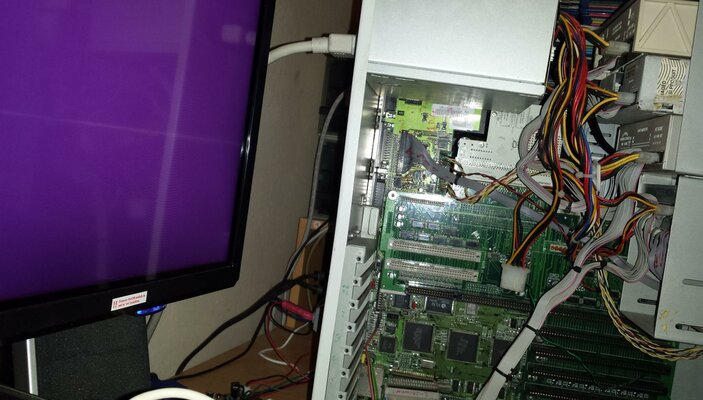
If possible, take one of your mainboards out from a case and put it on an table (with anti-static material), check the jumper for 3.0 / 3.1 ROMs in the ACA and set it accordingly with your ROMs and then plug the card making sure that the contacts are clean and that the card is inserted straight.
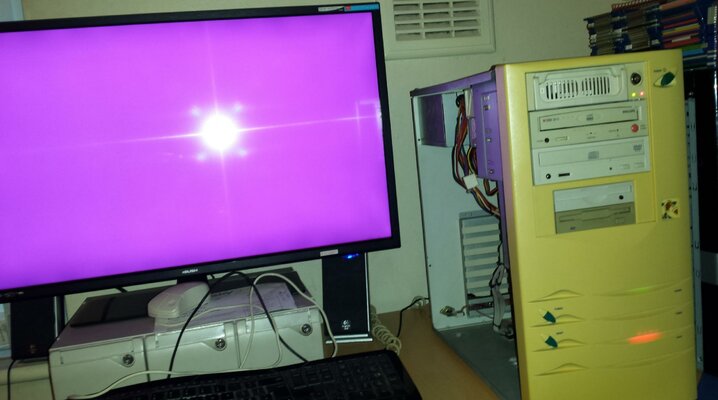
Once done that, plug only psu, video cable and (if possible) a floppy drive and turn the power on. After a few seconds (many more if you didn't plug a floppy drive, sometimes it takes up to 30 seconds or so) you should see the purple screen with the Amiga check logo and the version of your ROM.
Sorry if I say that, but in the past I spent hours for "silly" problems just because I didn't follow an approach like the one I described... just keep calm, take a breath and do everything with attention. Compared with other situations we are (I'd say almost 100%) sure that the card doesn't have any problems so it can just be an incompatibility of some sort or something wrong plugging it. There are very few chances that the card is fault/damaged since the shipment was fast and without problems and I am confident that you handled the card with care.
Take your time and keep us informed. Thanks.