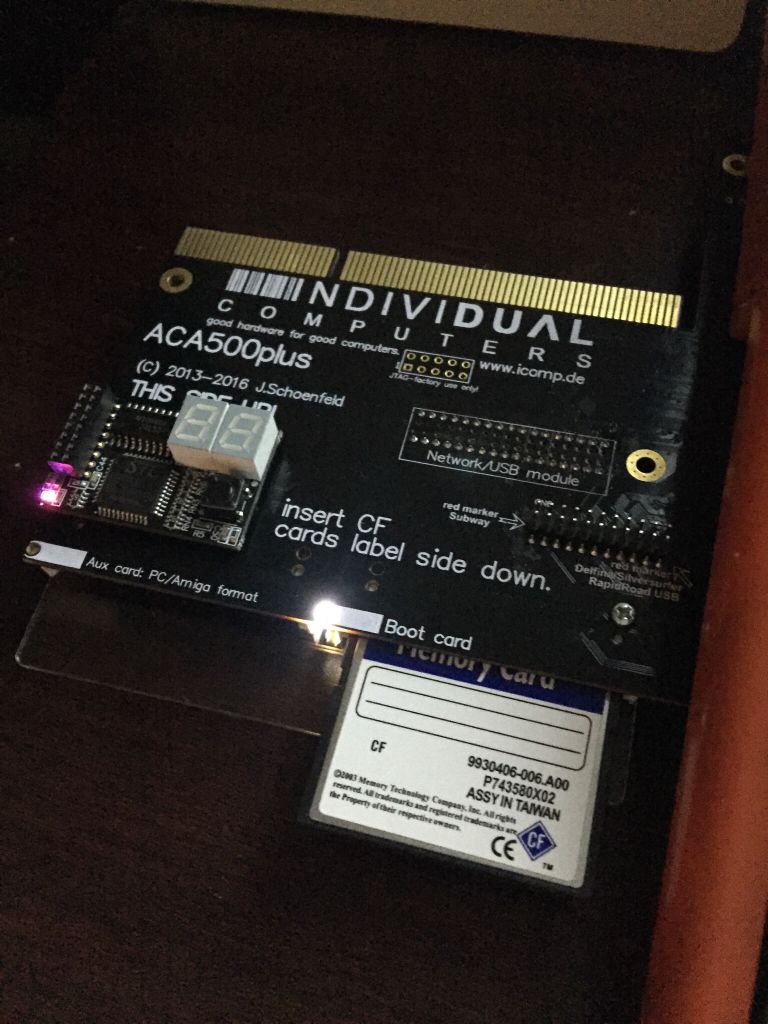
Ok finally found a little info on getting the card to restart again... holding the DisMo button while you power on for 3-5 seconds allows the boot screen to come back up..
I thought I bricked it lol...
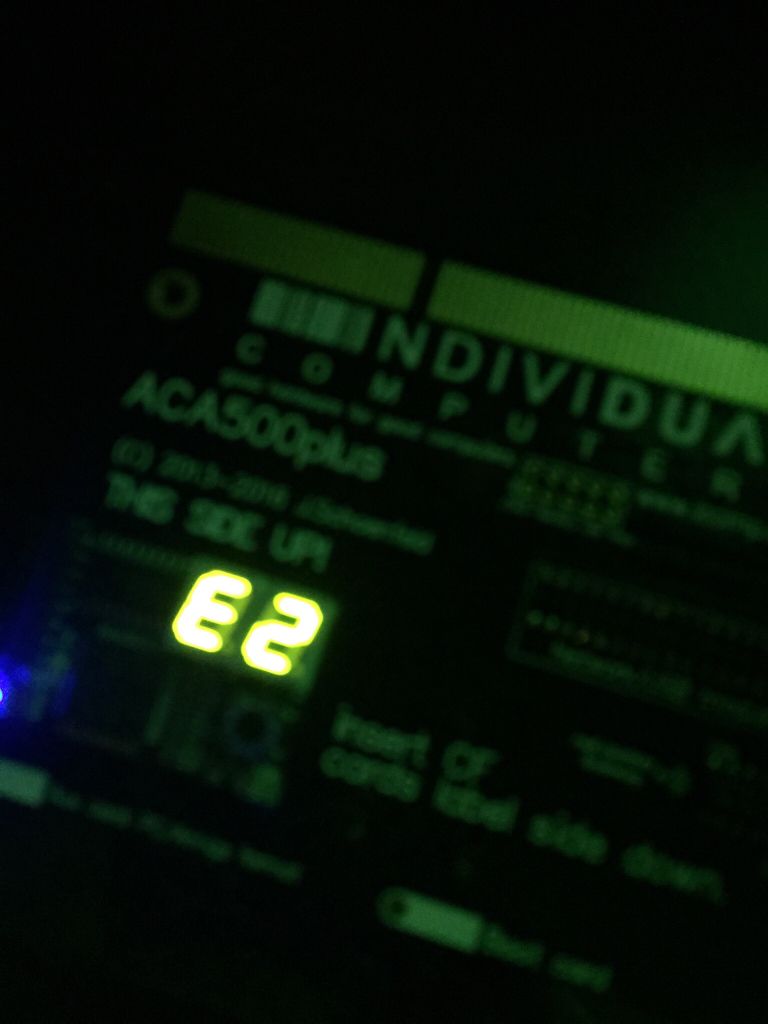
Does anyone know what E2 means? I reset the computer and it started coming up again...
After a few hard resets the card started working again
I haven’t seen any error code lost anywhere on the interwebs... Google wouldn’t even return any search either. I only found one post on another website saying try holding the DisMo button for 3-5 seconds while powering on would reset the settings.
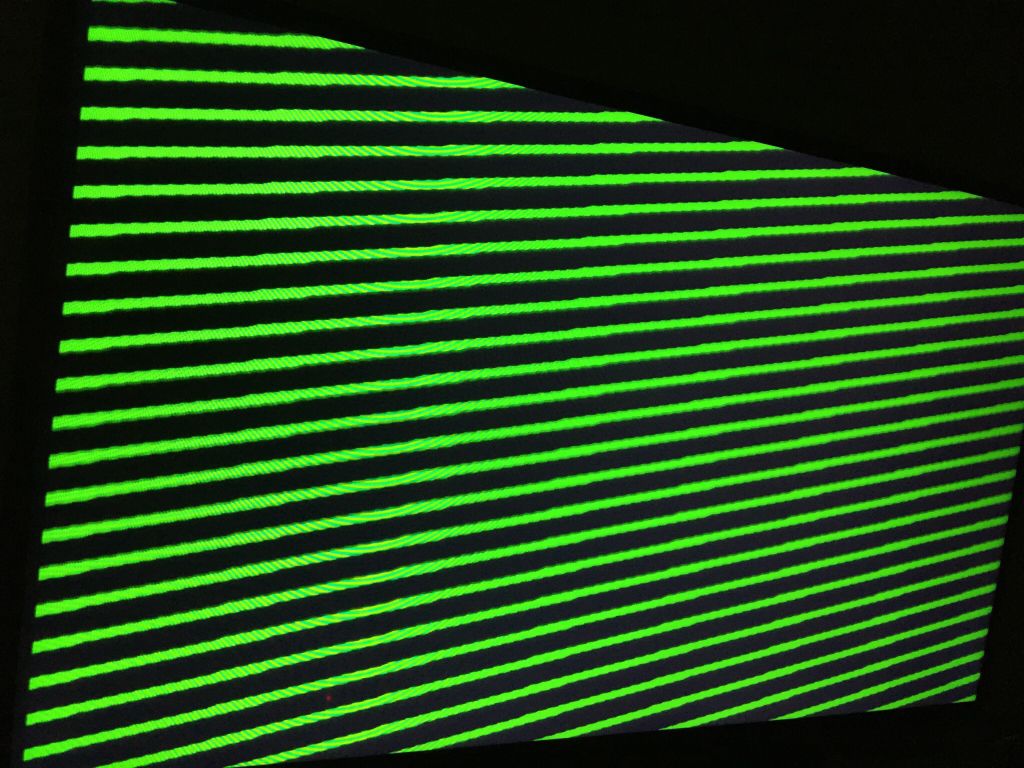
When I first powered it on the display said FF, then soft reset brought the E2 plus lines on monitor. I found that post then it started working again.
When I first plugged the card in it worked instantly then I changed some settings which were, CF hotswap to on, the chipram to 1MB, trapdoor was on, and I turned up the speed to 42MHz.
This site uses cookies to help personalise content, tailor your experience and to keep you logged in if you register.
By continuing to use this site, you are consenting to our use of cookies.