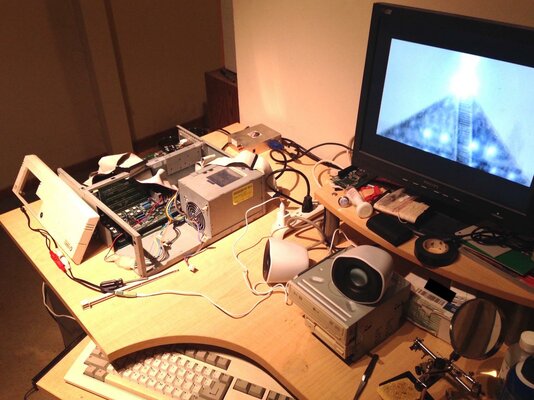
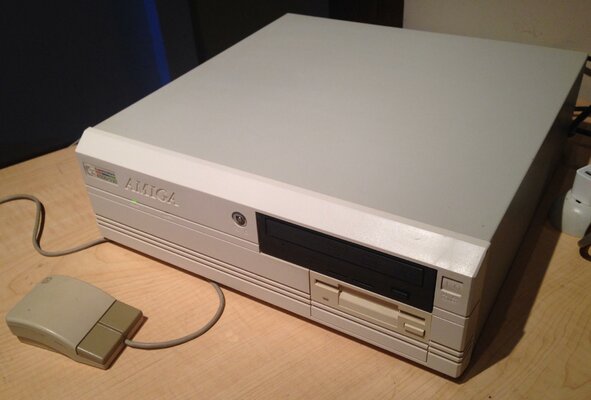
Finally re-capped my A4000D

  • Thread starter Thread starter cjcliffe
  • Start date Start date
  • Replies Replies 7
  • Views Views 1766

cjcliffe

Member
Joined
Nov 12, 2011
Posts
216
Country
Canada
Region
Kingston, Ontario
A few years back I picked up an overclocked '040 (A3640) card here for my A4000 (which had been shelved for awhile) and was excited to try it out; after installation I quickly noticed serious audio crackling and after a short while lost a channel. Opening the case for closer inspection revealed that the audio caps were starting to leak; cleanup was performed and I re-shelved it for the time being.

I researched my options and decided I really wanted to fix it myself, but knew I wasn't skilled enough to do it as my work had been limited to large through-hole and wiring. I wasn't willing to risk it as this is my childhood machine that I'd used for 3D animation, code and music for many years growing up and has a lot of sentimental value.

So I set off to watch YouTube tutorials and try to learn everything I was missing. Off and on for the past few years I've been buying and soldering random kits and watching as many videos as I could to try and reproduce the techniques properly. In particular I found inspiration with the work of Dave Jones (EEVBlog), Louis Rossman (Flux The Everything!), Big Clive and many amiga-specific soldering demonstrations.

A few days ago I was more than confident that I was ready to tackle the A4000; upon opening the case for the first time in a few years it was quickly evident that nearly every cap had leaked -- in particular all the 47uf caps were sitting in a pool of their own electrolytes; so I quickly swabbed everything up with alcohol and prepared to extract them all.

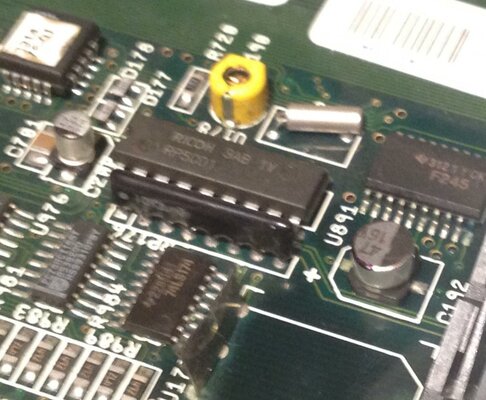
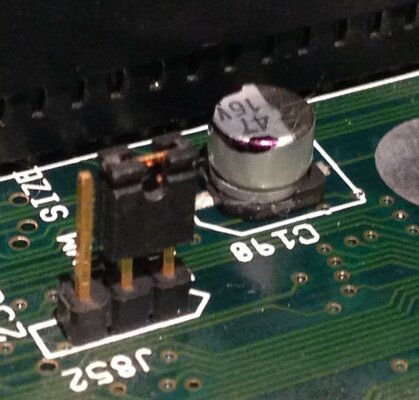
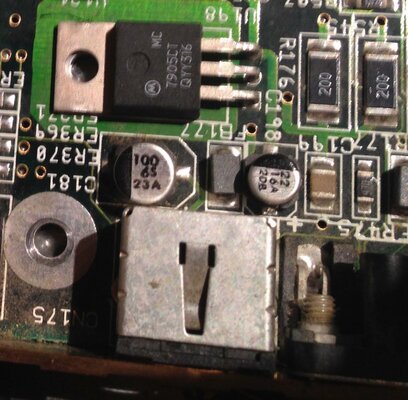
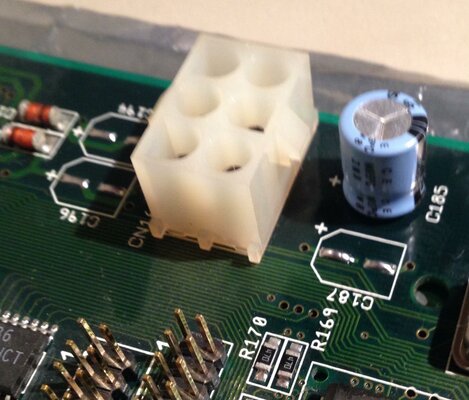
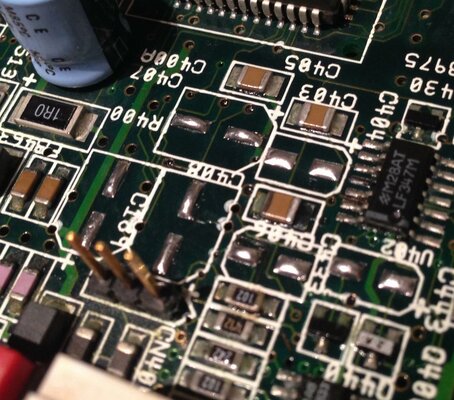
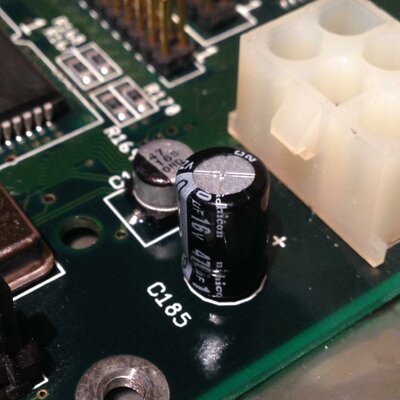
Here's a few pre-removal inspection shots:
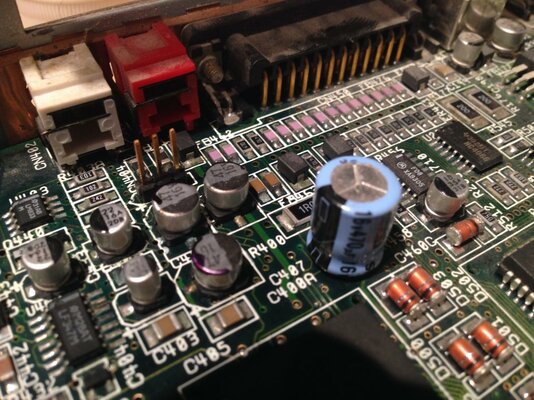
01-Old_Audio_47uf.jpg 02-Old_Battery_47uf.jpg 04-Old_Slot_47uf.jpg 06-Old_KB_100uf_22uf.jpg

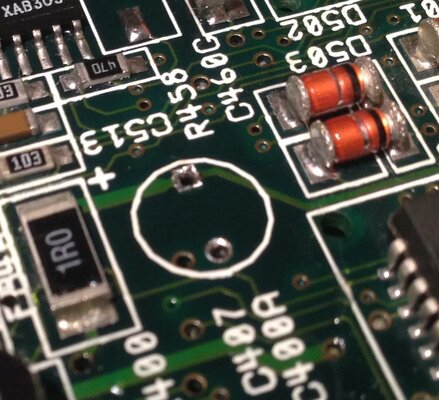
The removal technique I found the most effective but time-consuming (though somewhat therapeutic) was to apply gentle pressure and rock the cap back and forth until it loosens a bit then start rocking in alternating circular motion and after awhile it will fall off without much fuss. The through-hole caps can be removed in a similar fashion though just rocking them back and forth is usually enough. After that I hit them with flux, re-flow some solder to remove the old capacitor legs then clean them up and re-flow some new solder to the pads:
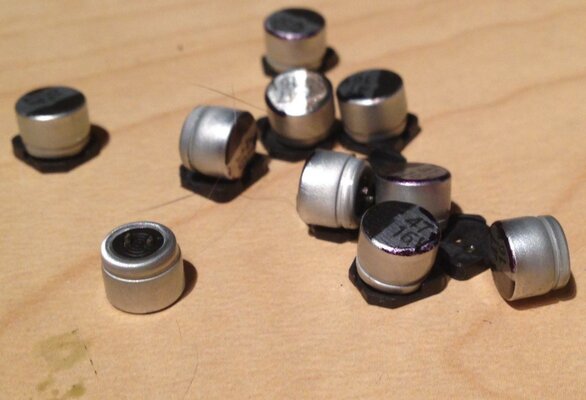
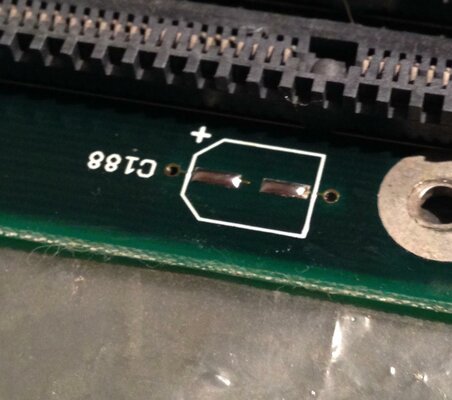
01-47uf_Removed.jpg 02-C188_Clean.jpg 03-C187_C196_C194_Clean.jpg 05-Audio_Clean.jpg 11-Audio_TH_Clean.jpg

Up next; with the board all clean it's time to replace the caps.
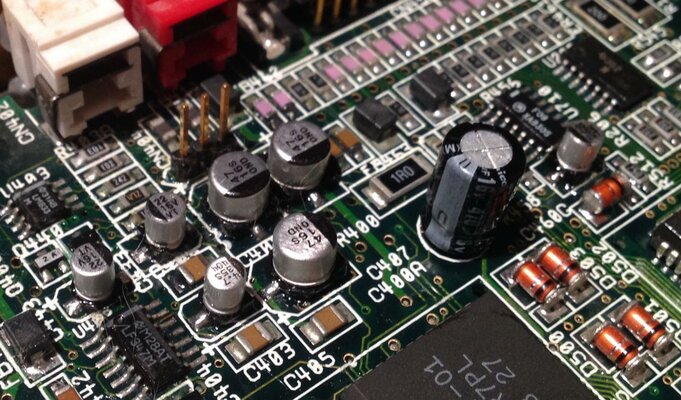
 
Installing the new caps

Installing the new caps

I used an USB pen-sized 8W iron with a very fine tip and super-fast heat-up and cool-down time (10-15s) which makes it easy to stop and start as I go. It can be easily found in a review on Big Clive's YouTube channel.

The caps were placed by first heavily fluxing the area then carefully floating the caps in the flux aligned over the tinned pads; then one pad is heated and after a moment the cap gets pulled down to the board and soldered into place; minor alignment for the other side can then be made by be re-flowing it and adjusting the position. Then I apply a gentle pressure to the top of the cap and solder the other side; then if needed re-flow both sides a couple times applying gentle pressure until it lies flat on the board.

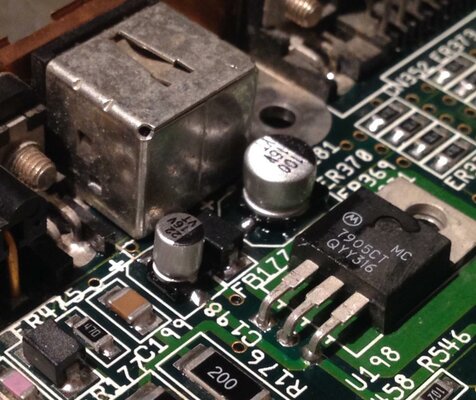
Some shots of the finished caps:
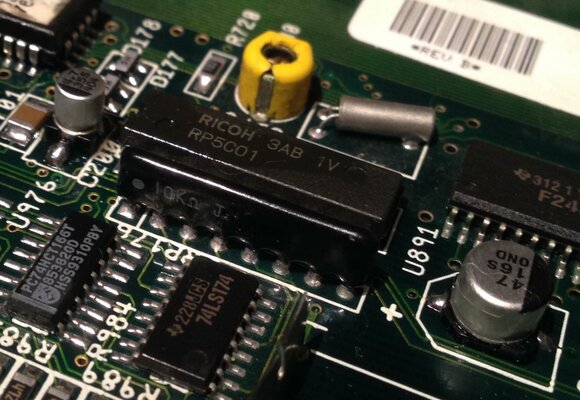
18-AudioAndTH_Replaced.jpg 16-KB_Video_100uf_22uf_Replaced.jpg 14-Para_22uf_Replaced.jpg 15-PowerTH_Replaced.jpg 17-C200_C192_Replaced.jpg

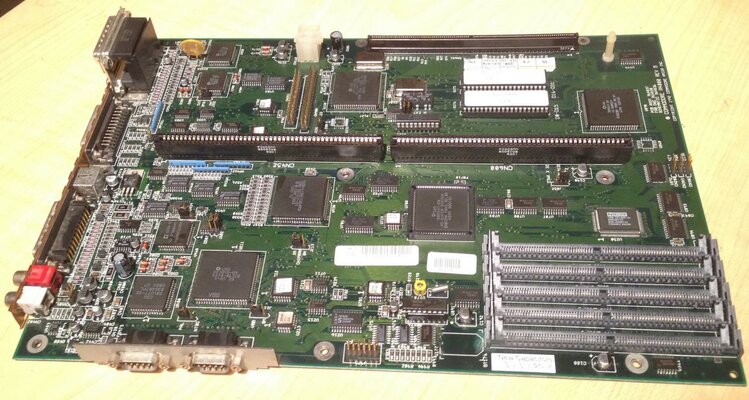
And an overview of the completed board:

20-Complete_Overview.jpg

And with that it was time to put it back in and give it a go...

21-Unstable.jpg

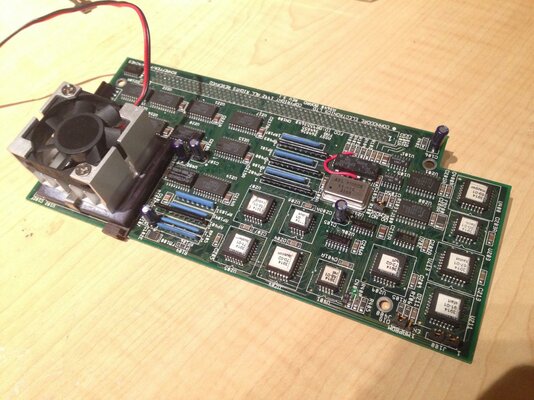
Eagerly installing the '040 card I would get a boot screen and could get AmigaDOS but it would crash after a few moments every time. I was able to put in the '030 card and then it was able to boot and run a few tests to confirm that everything seemed functional.

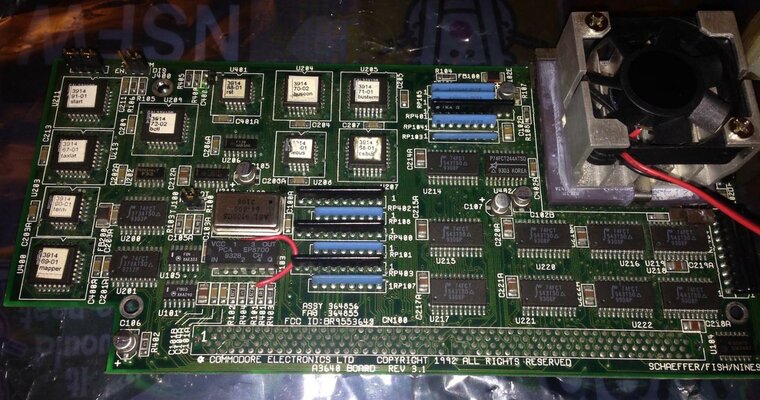
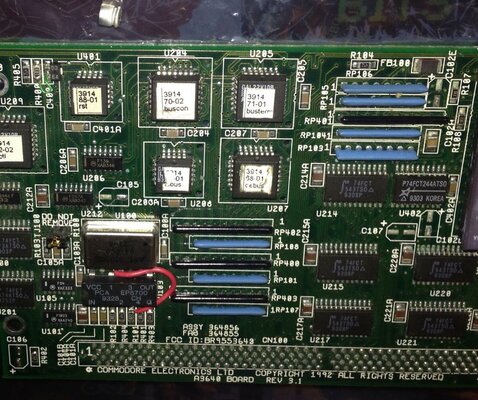
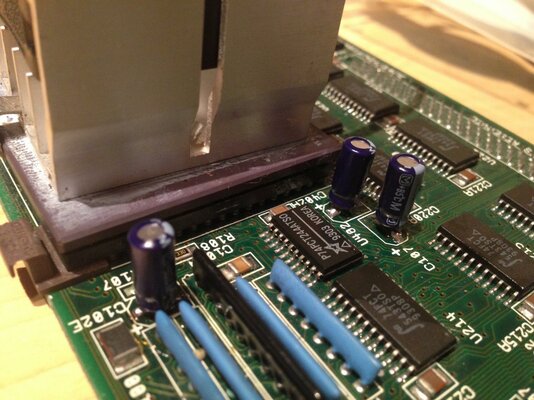
With that I began inspection of the '040 CPU card and found many blue corroded leads on the caps; and after triple-checking online I found that some caps were originally installed backwards as many A3640 cards were..

01-A3640_Before.jpg

Next up; replacing the A3640 caps!
 
Replacing the A3640 caps

Replacing the A3640 caps

First up was to remove all the old caps from the board, the C102's, U220 and U402 had the worst corrision:

02-A3640_Removed.jpg

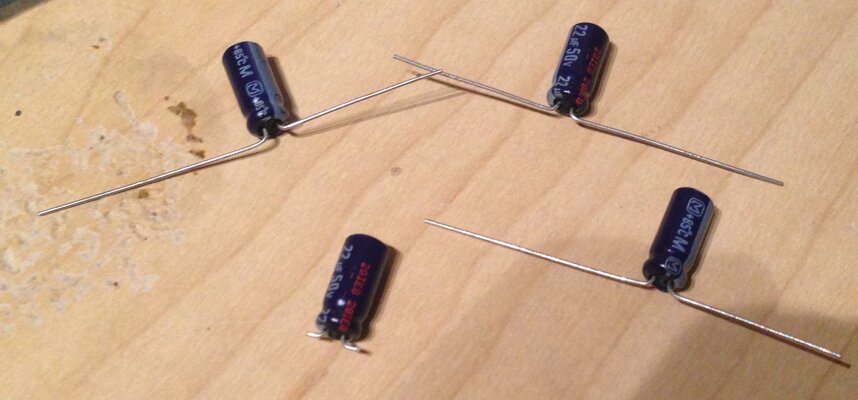
After that I cleaned up the pads same as the A4000 board and prepared the caps -- My order of new SMD caps for the '040 board will take a few weeks unless I wanted to spend a lot; so in the meantime I stopped by the local shop and got through-hole caps of the same value and radius (though taller) for testing and prepared them for installation:

03-Cap_Prep.jpg

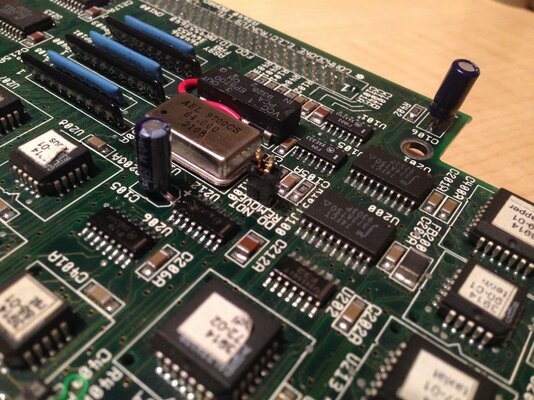
Installing them was as simple as using a dab of flux on the tinned pads, holding them in place and soldering one side then the other; the leads have much more play so reflow isn't even necessary for minor alignment changes:

06-XCU1_Replaced.jpg 07-XCU2_Replaced.jpg 05-Cap_Replaced.jpg

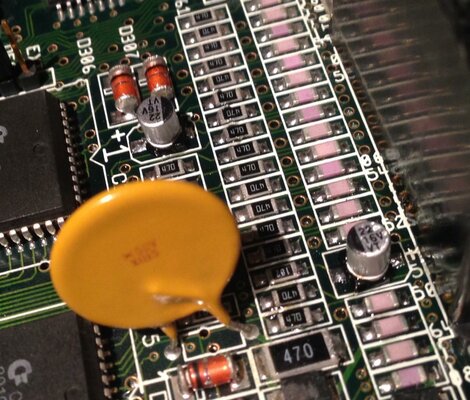
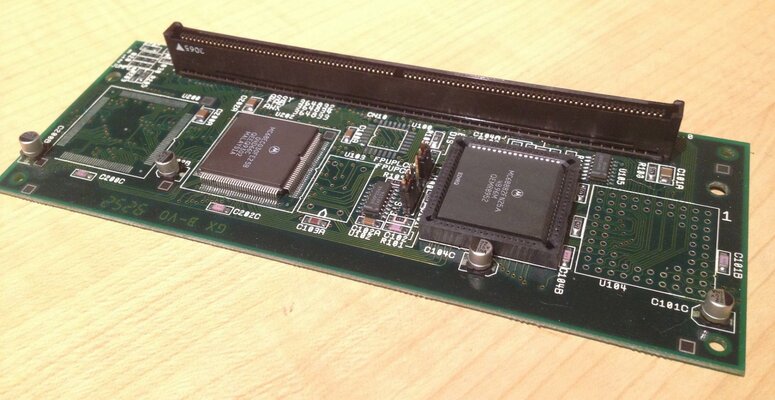
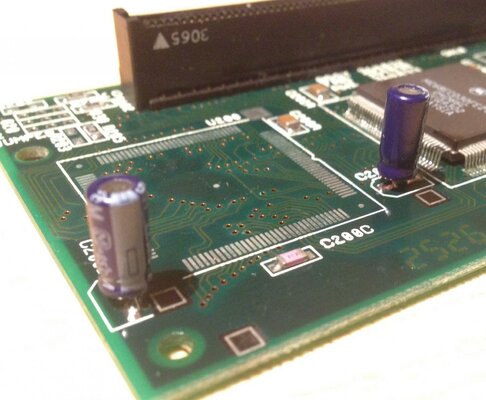
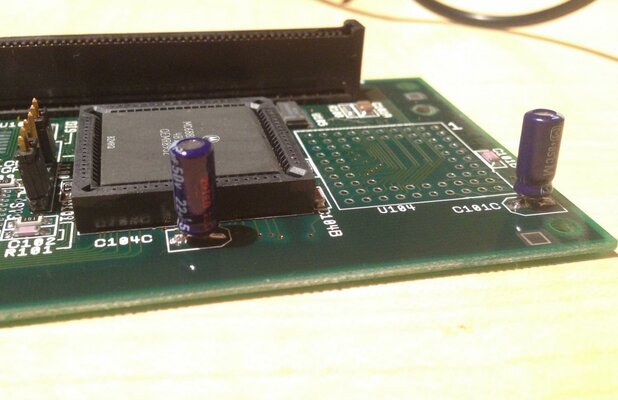
While I was at it I decided I might as well replace the '030 caps to test as well since I'd bought enough; it seemed ok on first inspection:

09-030_Card_Before.jpg

But after removing the caps the leakage was very evident; and luckily none of the VIAs had corroded:

10-030_Card_Corrosion.jpg

The remaining weren't as bad just lightly discolored so I fluxed, cleaned and replaced as before, though once I'd finished I realized that the cap height conflicts with some of the A4000 motherboard components :Doh: luckily just a minor tilt of each of the caps was enough to clear them without issue.
12-030_Card_XCU1.jpg 13-030_Card_XCU2.jpg

And with that finished I re-installed and tested the '030 card which appeared to be working ok; and then quickly moved on to the '040 card.

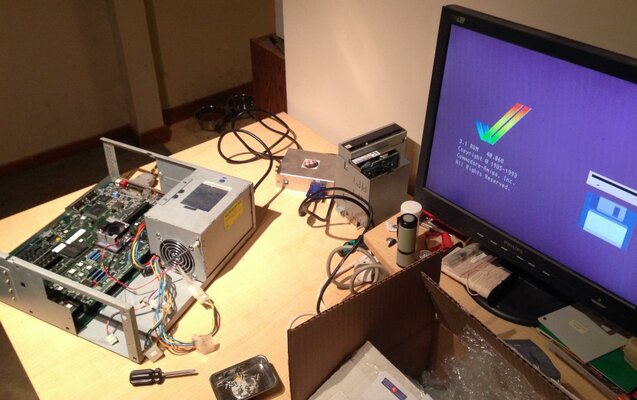
15a-Booted_Working.jpg

It's alive! And stable! Rocking the relic demo by nerve axis in the photo; it's bit of a slideshow still with an '040 but working fine otherwise. I tried out a few more demos and applications for about an hour and all appears well.

Time to reassemble!
 
Last edited:
Putting it all together..

Putting it all together..

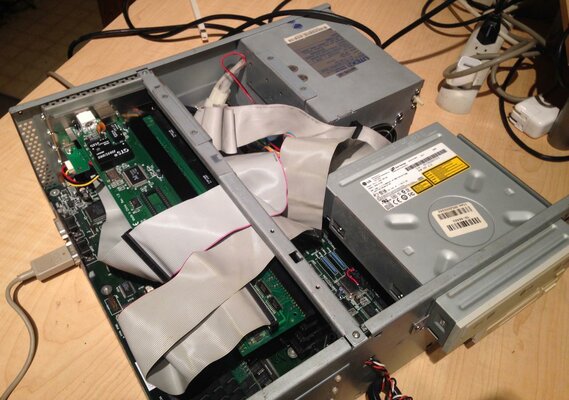
With everything in seemingly working order I eagerly re-assembled everything and connected the DVD drive which I'd installed years ago but never set up due to the audio failure.

03-BackTogether.jpg

And.. no boot, no drive light, just black screen :(

I disconnected the DVD drive and tried again; but nothing, no drive light, black screen.. After a few attempts to start up I finally let it sit while googling possibilities and it suddenly arrived at the desktop.. A quick review of the schematics and I traced that the IDE_LED signal is actually provided by the drive over pin 39 on the cable -- aha! Replacing the IDE cable with a new one and the drive light works again.. PHEW..

Unfortunately after an hour of fiddling with the DVD drive it just won't respond; and putting in a disc makes an odd squealing noise so I sacrifice another drive from an external enclosure which unfortunately doesn't match the color but does work:

06-NewDVD.jpg

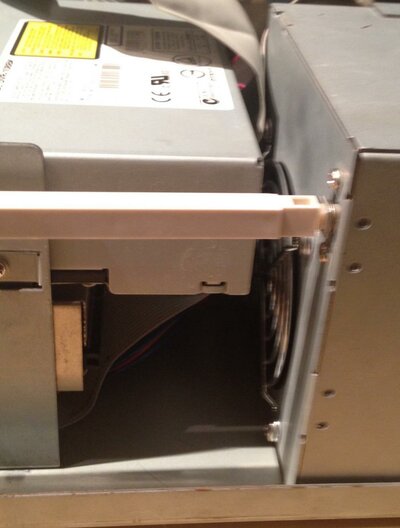
It is a tad bigger than the previous drive though so it was a bit of a tight fit:

07-NewDVDSpacing.jpg

Finally I cleaned it up a bit with a magic eraser and closed up the case.

08-CleanedUp.jpg

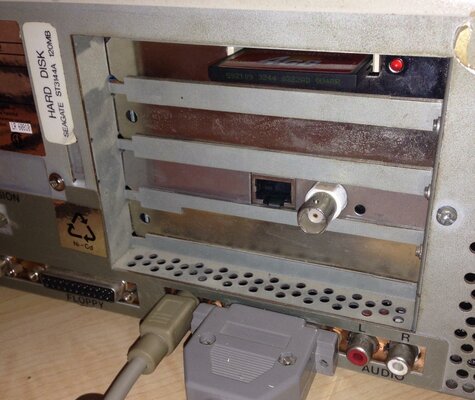
Rear shot of the 4GB CF and X-Surf:

09-BackSide.jpg

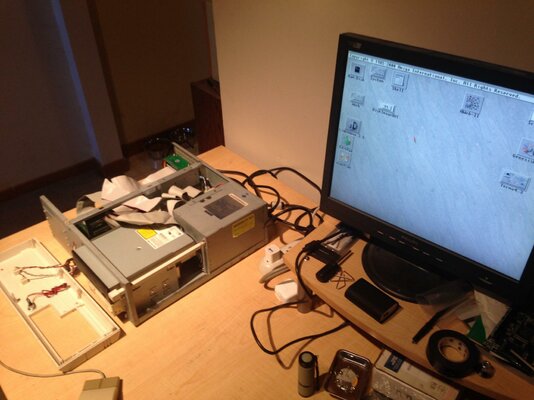
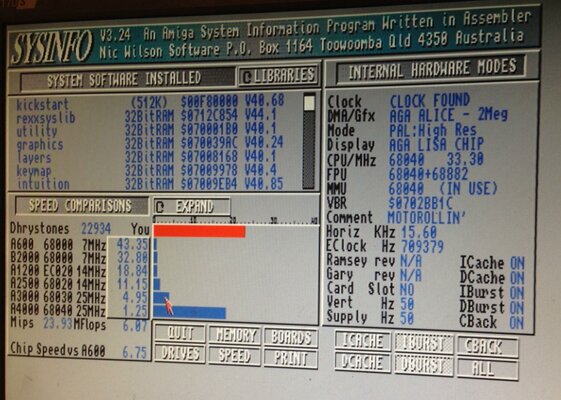
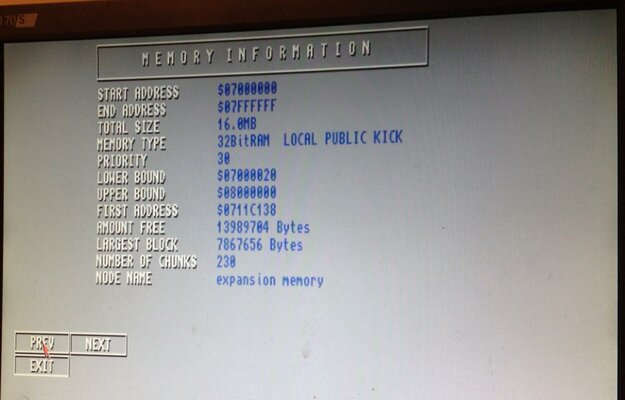
And obligatory SysInfo screencaps :)

04-TestingSysInfo.jpg 05-SysInfoMemory.jpg

So relieved to have this baby up and running again!
Now back to where I left off years ago; downloading and trying all the '040+ demos I couldn't run before :cool:

Cheers!
 
Last edited:
Good call as the caps in the audio area have leaked and corroded your board already, was just a question of time before your audio go faulty by base eating through the copper traces.

-1 for removing them by mechanical force, you might have gotten away with it, but I've seen dozens of boards with missing SMD pads- pulled of with the old caps - difficult to repair well afterwards.

and sorry also -1 for not using the correct capacitors on the CPU cards, since they are exposed it takes all but a quick bump (when installing Zorro cards etc.. and again the SMD pad will be gone, at least you didn't hot glue the wrong parts to the board (;-)) if this is really your childhood gear, then I advise you to give it enough respect to get the correct parts and re-do the CPU cards.. :)

I'm even ready to send you the correct caps for free (just pay postage) just PLEASE don't have through hole parts on SMD boards... :-)
 
Last edited:
Good call as the caps in the audio area have leaked and corroded your board already, was just a question of time before your audio go faulty by base eating through the copper traces.

Aye; I'm very happy that I cleaned up the audio area years ago before shelving it; it hadn't gotten any worse since then and the new leaks all looked very wet and recent -- cleaned it up before inspection photos but you can see some green ooze on the desk from the removed caps.

-1 for removing them by mechanical force, you might have gotten away with it, but I've seen dozens of boards with missing SMD pads- pulled of with the old caps - difficult to repair well afterwards.

I was really hesitant to do it myself but I was extremely gentle and had practiced dozens of times on non-amiga dead/donor boards I picked up from scrap -- it took several minutes per capacitor with tiny wiggles which loosen very gradually. I've seen several videos on youtube of crushing them with plyers and twisting which made me cringe worse than watching a fingernail torture scene :o. Possibly over the next couple years I'd like to get into doing hot air work but haven't got a proper work area and practice for it yet. I'm hoping to do my A1200 board later this year and am likely going to end up using ChipQuik on it instead.

and sorry also -1 for not using the correct capacitors on the CPU cards, since they are exposed it takes all but a quick bump (when installing Zorro cards etc.. and again the SMD pad will be gone, at least you didn't hot glue the wrong parts to the board (;-)) if this is really your childhood gear, then I advise you to give it enough respect to get the correct parts and re-do the CPU cards.. :)

I'm even ready to send you the correct caps for free (just pay postage) just PLEASE don't have through hole parts on SMD boards... :-)

The offer is much appreciated and I realize I wasn't very clear about why I used the through-hole caps on the card -- I've already ordered a pack of proper Nichicon SMD replacements but they won't arrive in the post for several weeks; I picked the others up as a temporary solution to see if it was functional (or if I needed to order more parts) and intended to replace them when the new ones arrive -- I don't plan on transporting or doing any more disassembly in the meantime unless very carefully.
 
cjcliffe said:
I was really hesitant to do it myself but I was extremely gentle and had practiced dozens of times on non-amiga dead/donor boards I picked up from scrap -- it took several minutes per capacitor with tiny wiggles which loosen very gradually. I've seen several videos on youtube of crushing them with plyers and twisting which made me cringe worse than watching a fingernail torture scene :o. Possibly over the next couple years I'd like to get into doing hot air work but haven't got a proper work area and practice for it yet. I'm hoping to do my A1200 board later this year and am likely going to end up using ChipQuik on it instead.

Probably ChipQuik is the best idea doing this "on the cheap", but even just adding normal solder to the joints (as much as they can take up) and using tons of flux will do it too (heating the joints while alternating between them). Key is to push the capacitor sideways (never pull) once the solder is melted, getting both leads away from the pads at the same time. Mind you this would only work with non-corroded joints, corroded joints are notoriously difficult to heat with an iron due to poor thermal conductivity - best bet in this case is hot air (heating the whole cap inclusive joints).

cjcliffe said:
The offer is much appreciated and I realize I wasn't very clear about why I used the through-hole caps on the card -- I've already ordered a pack of proper Nichicon SMD replacements but they won't arrive in the post for several weeks; I picked the others up as a temporary solution to see if it was functional (or if I needed to order more parts) and intended to replace them when the new ones arrive -- I don't plan on transporting or doing any more disassembly in the meantime unless very carefully.

All right then :thumbsup:, just wanted to point this out - I see way too many "hacks" with incorrect caps used - yes it will function - time proof? Nope for the already stated reasons..
 
Magic Smoke?

Magic Smoke?

even just adding normal solder to the joints (as much as they can take up) and using tons of flux will do it too

Tons of flux? This sounds like my new favourite method :thumbsup: will have to give that a try.

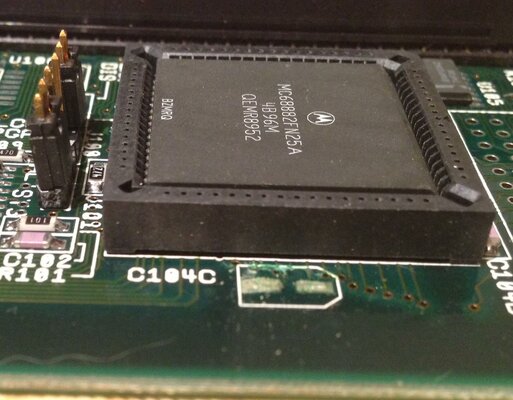
Had a fun one today; was setting up BlizKick for the A3640 and doing some tests and got a sudden and strong waft of magic smoke smell without the smoke... :unsure:

Quickly shut down and opened the case; smelled real bad -- aired it out and after carefully taking everything apart for a whiff test it turned out to be one of the 4MB SIMMs was about to meltdown -- there were no visible signs of damage but the SIMM smells like a circuit board dumpster fire..

Checked the schematics, beeped out every pin on the SIMM sockets with the multimeter, checked the PSU and SIMM voltages and everything was perfect.. Tested another set of 1MB SIMMS in all sockets and everything ran nice and cool for an hour..

Not sure what happened there.. But found a new matched set of 4 from '96 online that should be here by the end of the month. I've removed the second one that was same as the failed SIMM and the remaining two 4MB chips of another brand appear to be working fine at 8MB for now.
 
Last edited:
Back
Top Bottom