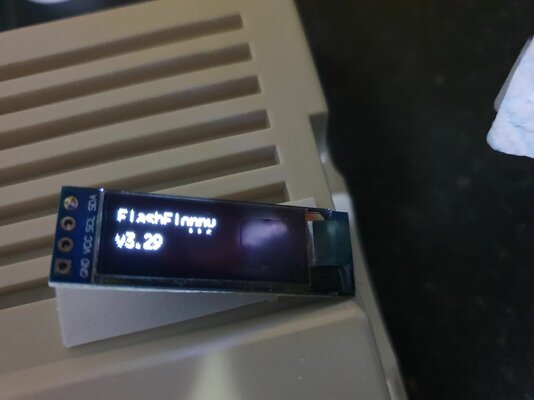
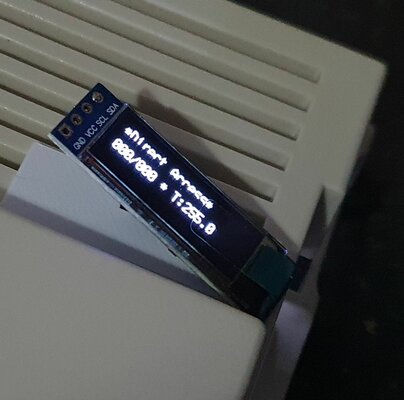
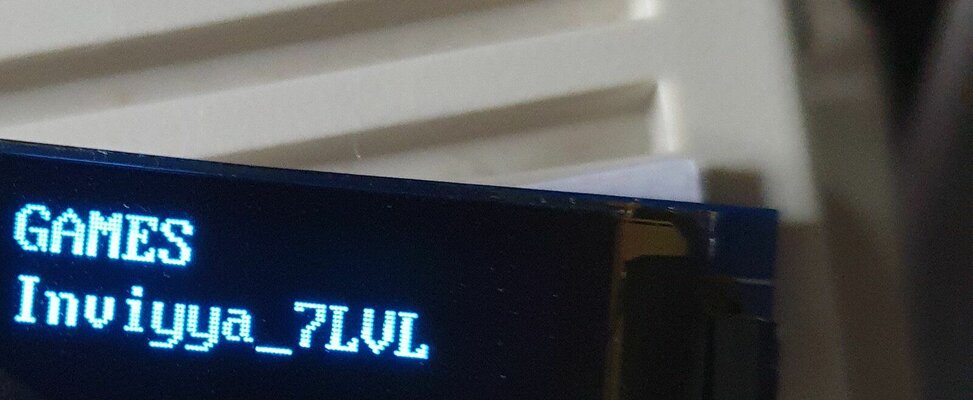
## DISPLAY

# Display Type.
# auto: Auto-detect (7-seg LED, LCD, OLED)
# lcd-CCxRR: CCxRR backlit LCD with I2C backpack (16<=CC<=40, 02<=RR<=04)
# oled-128xNN: 128xNN I2C OLED (NN = 32 | 64)
#  -rotate:     OLED view is rotated 180 degrees
#  -narrow[er]: OLED view is restricted to Gotek display cutout
#               (-narrow: 18 chars; -narrower: 16 chars)
#  -inverse:    Inverse/reverse video (black text on white background)
#  -ztech:      ZHONGJY_TECH 2.23" 128x32 SSD1305 OLED display
# Values: auto | lcd-CCxRR | oled-128xNN[-rotate][-narrow[er]]

display-type=oled-128x64-rotate   <<-- change to oled-128x32

# OLED Font. Narrow and wide options.
# Narrower 6x13 font permits:
#  - More characters per row
#  - Use of Gotek display cutout (eg. "display-type=oled-128x32-narrow")
# Values: 6x13 | 8x16
oled-font = 8x16   <<-- change to 6x13 if you want smaller chars

# OLED contrast/brightness.
# Values: 0 <= N <= 255
oled-contrast = 143

# Text height and arrangement on LCD/OLED
# 'default', or a comma-separated list (one entry per LCD/OLED row, top down).
# Each list item is a digit plus optional height specifier: <content-row>[d]
#  content-row: '0-3' = specified content row, '7' = blank
#    0: Current image name
#    1: Status
#    2: Image/Volume info
#    3: Current subfolder name
#  height specifier: 'd' = double height (32px, OLED only; ignored for LCD)
# 'default' depends on display, eg.: oled-128x32='0,1' ; oled-128x64='3,0d,1'
# Values: [0-7][d] | default

display-order = 3,0d,1   <<-- change to 3,0,1 for no dbl height - still 3 lines of text