MoBo Troubleshooting

  • Thread starter Thread starter fuzzynormal
  • Start date Start date
  • Replies Replies 14
  • Views Views 554

fuzzynormal

New member
Joined
Jun 30, 2024
Posts
14
Country
usa
Region
california
Best strategy to troubleshoot hardware?

The anecdote:

Amiga 2500. Sat unused for 2 decades. Booted it two years ago and was able to launch my Video Toaster. Said, "cool," then put it back in the closet for 30 months.

Well, finally decided to mess around with it again.

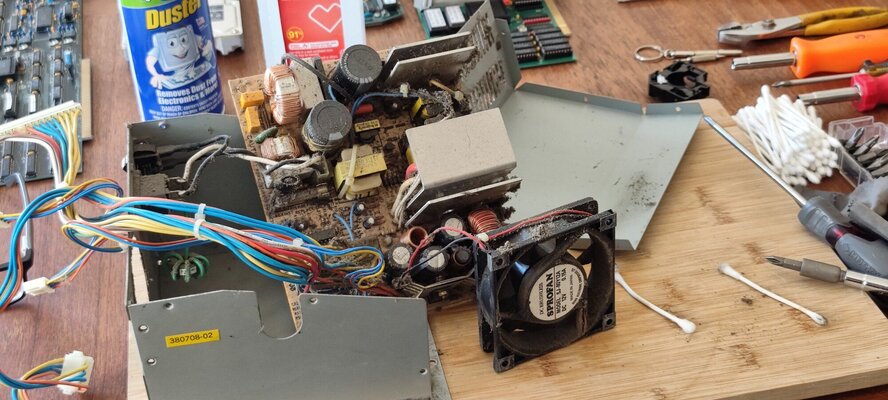
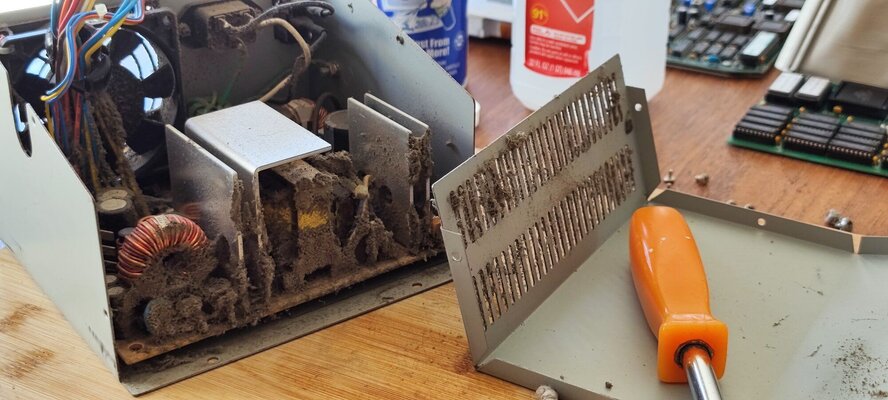
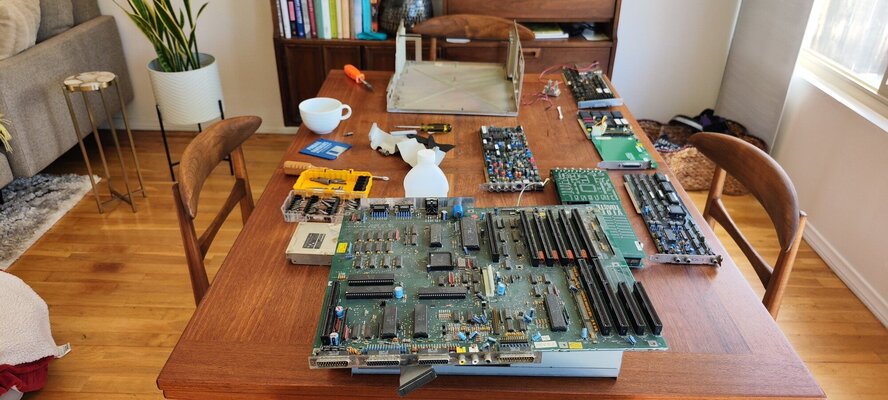
Pulled it, cleaned it, put it back together.

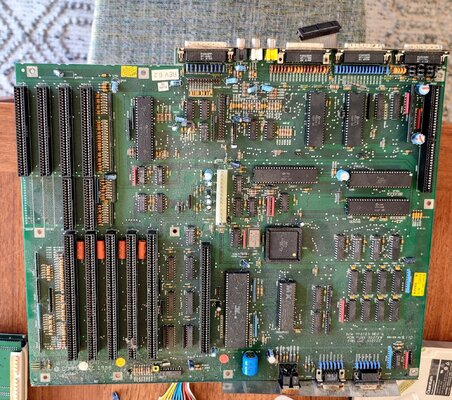
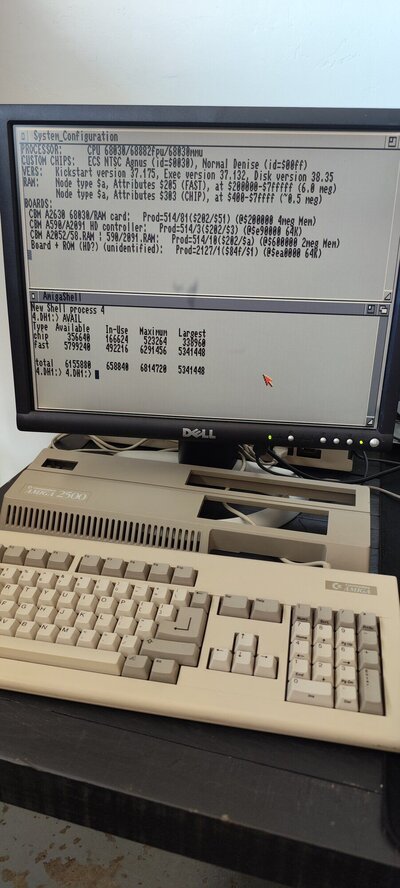
The quantum drive began to fail. My Chip RAM wasn't showing 1MB like it's supposed to. Toaster won't launch.

Well, hell.

Guess I broke something. Now what? I ordered a AmigaKit floppy disk from eBay, but that's not getting here 'til mid July.

Anything I can try before then? I pulled the Angus chip and cleaned it, but that didn't help.

Advice appreciated. Thank you!
 

Attachments

  • IMG_20240704_091336.jpg
    IMG_20240704_091336.jpg
    238.4 KB · Views: 11
  • IMG_20240704_091415.jpg
    IMG_20240704_091415.jpg
    357.2 KB · Views: 9
This pulled it, cleaned it, put it back together thing, always leads to problems.
I would suggest to do it again but this time very carefully with inspection.
Besides quantum drive, I guess the amiga is working.
 
This pulled it, cleaned it, put it back together thing, always leads to problems.
I would suggest to do it again but this time very carefully with inspection.
Besides quantum drive, I guess the amiga is working.

Absolutely, but, man, the thing was horrible and smelled of mold and mildew. Had to do it.

And, yes, Amiga is working fine...just missing half my Chip RAM for some reason. I don't know why or how. Not savvy enough about MoBo's to know.

Is there any way to check RAM faults from WorkBench? Like, with using prompts in the AmigaDOS shell or something?
 

Attachments

  • IMG_20240630_090130.jpg
    IMG_20240630_090130.jpg
    968.8 KB · Views: 9
  • IMG_20240616_114817.jpg
    IMG_20240616_114817.jpg
    227.5 KB · Views: 12
  • IMG_20240616_110002.jpg
    IMG_20240616_110002.jpg
    304.3 KB · Views: 13
  • IMG_20240616_105234.jpg
    IMG_20240616_105234.jpg
    330.1 KB · Views: 11
  • IMG_20240616_104358.jpg
    IMG_20240616_104358.jpg
    273.6 KB · Views: 9
  • IMG_20240615_134302.jpg
    IMG_20240615_134302.jpg
    349.9 KB · Views: 8
Is there any way to check RAM faults from WorkBench? Like, with using prompts in the AmigaDOS shell or something?
No. You have to run a test through floppy disk of Amiga test kit or MBR-2 Microbotics Ram Test.
As half of your memory is missing, I guess there is a faulty memory chip that affects the other 3 in line.
An expert have to guide you how to check this or anything else that may cause this fault.
 
No. You have to run a test through floppy disk of Amiga test kit or MBR-2 Microbotics Ram Test.
As half of your memory is missing, I guess there is a faulty memory chip that affects the other 3 in line.
An expert have to guide you how to check this or anything else that may cause this fault.

Most likely. I've read a few other forum posts from other places and other years with the exact same problem and they indicate exactly that: chip failure. These chips are soldered in, right?
 

Attachments

  • IMG_20240704_122709.jpg
    IMG_20240704_122709.jpg
    537.4 KB · Views: 6
Yes they are through hole.
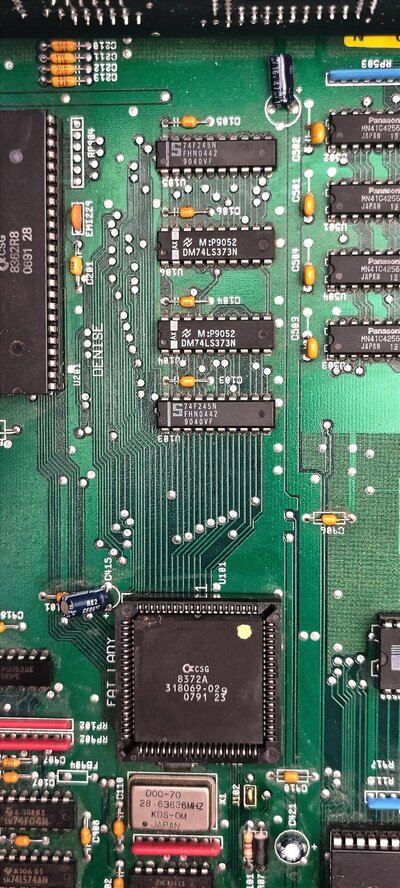
On the right of your photo are the memory chips. The Panasonic ones.
I've heard that if you can find the same chips or just one, if one is faulty, you can place them piggybacked without having to desolder them at first place. Not sure though.
 
The Panasonic ones. I've heard that if you can find the same chips or just one, if one is faulty, you can place them piggybacked without having to desolder them at first place. Not sure though.
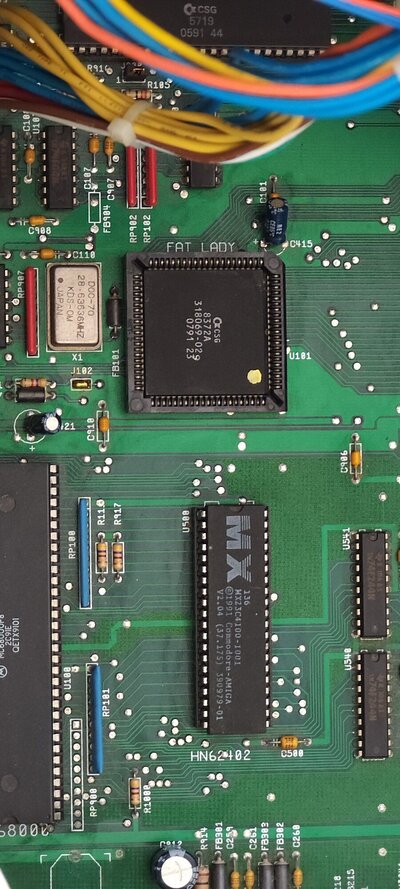
Oh, curiouser and curiouser. So, U501 - U508? I was thinking the memory was going to be U103 - U106. Shows you what I know.
 
You have to run a test through floppy disk of Amiga test kit - As half of your memory is missing.

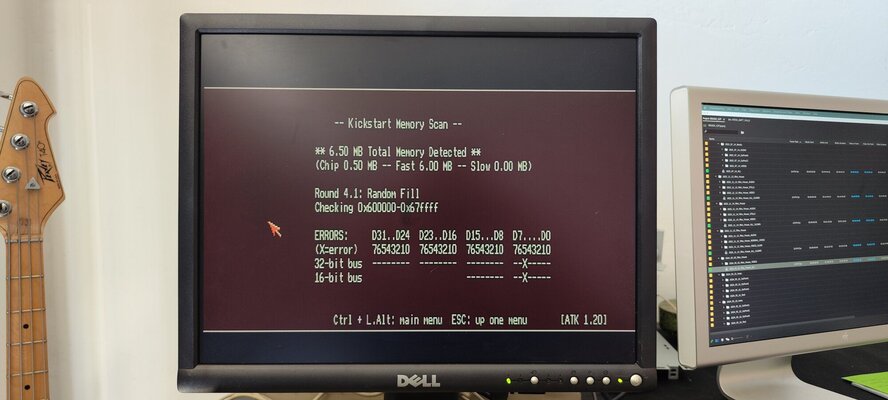
I just got the Amiga test kit and had errors. Does anyone here know what this means?
 

Attachments

  • IMG_20240705_153209.jpg
    IMG_20240705_153209.jpg
    187.1 KB · Views: 6
Just some cleaning tips...

* you can clean the mobo with water instead of air+alcohol > use distilled water in a spray bottle; let it dry thoroughly
* same with the power supply, ideally with no charge remaining in the capacitors, this usually means letting it sit to discharge or plug in an old hard drive to help with the power drain


Other notes
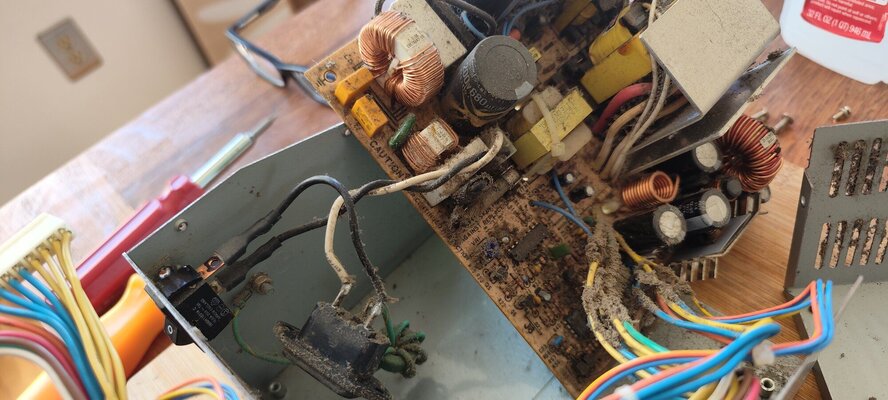
* since your power supply is torn apart, consider replacing the fan with something quieter, a lot of people like the Noctua fans, I like the magnetically levitated fans from Enermax
* U501 to U508 are the RAM chips on your rev 6.2 board
* there is a decent video in Adrian's Digital Basement on YouTube that includes interpreting the ATK mem results; I believe it was on an A500 mobo; does anyone know the exact video?
* while it may be possible for some of the 74x(?) logic chips that manage memory to be the culprit, it's almost always just one or two fried RAM chips
* you've probably already done this, but if not, buy a SCSI2SD card to replace your HDD; try not to power up the HDD too many more times, wait until you have the SCSI2SD running then you may be able to copy your drive data over; does anyone know of a decent file based backup program? trying to use a block based backup app may mangle the SD if you try to restore to it
 
while it may be possible for some of the 74x(?) logic chips that manage memory to be the culprit, it's almost always just one or two fried RAM chips

Thanks for the insight.

With the limited tools at my dispense, and my general ignorance, the frustrating thing is that I can't determine if it's the former or the latter. Is there a direct way to test things and figure this out? As mentioned, I have an AmigaKit floppy disk, but I can't discern what it is reporting.
 
Are you handy with a soldering iron?

While this is a not the best solution, you could unsolder them, 2 at a time, then boot and see what happens. This is a hard manual process, not the most logical approach.
Have you found/ordered any memory (and dip sockets) yet? At least 1 chip is probably bad.
Piggy backing RAM chips does not always work but when it does it can be a quick diagnostic.
 
Are you handy with a soldering iron?

Ha! No. I rarely have gone under the hood with computers. Although, it is fascinating to try and solve the puzzle/mystery. At this point I'm considering getting it diagnosed and fixed by a pro.

However, the piggyback thing is curious. Basically, are you saying the technique is that I just have to buy a single MN41C4256-08. Once I have it, I place it on top of U501, turn on the computer, and then see what happens? Repeat to U502, 503, 504, 506, 507, 508. -- and somewhere along the way I'd turn on the Amiga and the full 1MB of Chip RAM would re-appear?

That sounds like something I could manage.
 
basically, yes

there's always gotchas though
* if 2 RAM chips are bad your test may give odd results
* for some chips you need to unsolder/cut the power-in or ground; I don't believe that is necessary for memory chips though
* you need to make sure the piggyback memory chip legs are REALLY touching the tested chip's legs, again odd results if not
 

Can the Amiga Diagnostic ROM help me figure out what was wrong with this Amiga 500?​


For future readers, I stumbled across the video referenced
 
Back
Top Bottom