

Hello,
My motherboard has a Super Buster 11 and a Gal labeled U213-01.
Frustrated by not being sure that the right version of the Gal was in U213, I made a DIY to test the GALs directly on the Amiga CMs.
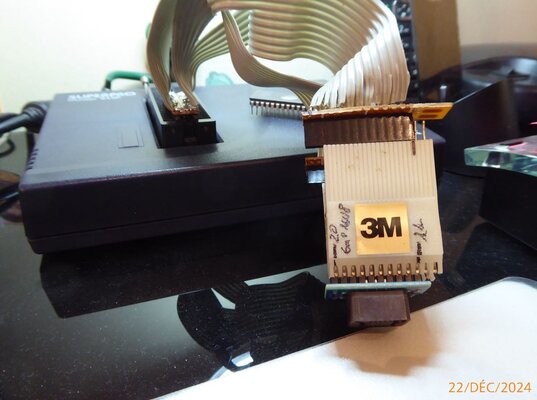
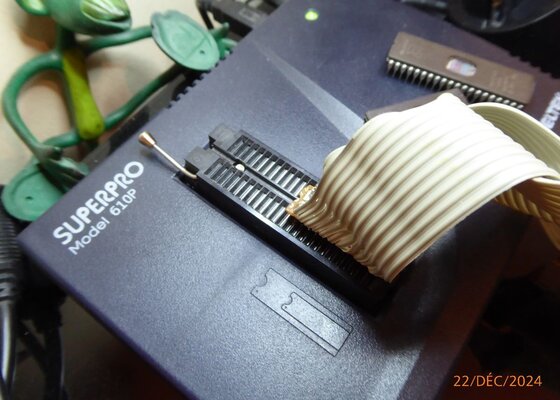
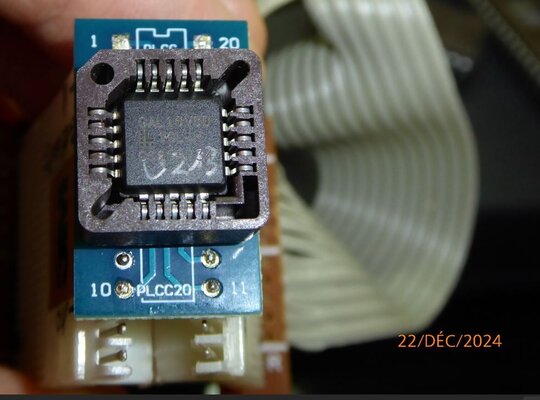
For this realization you need a 3M 22Pin control adapter and solder in reverse the Pins 1 to 20 for the 16V8D PLcc20 (others can also be tested).
In this way you can directly position the PLcc20 adapter on the Gal16V8 in U213.
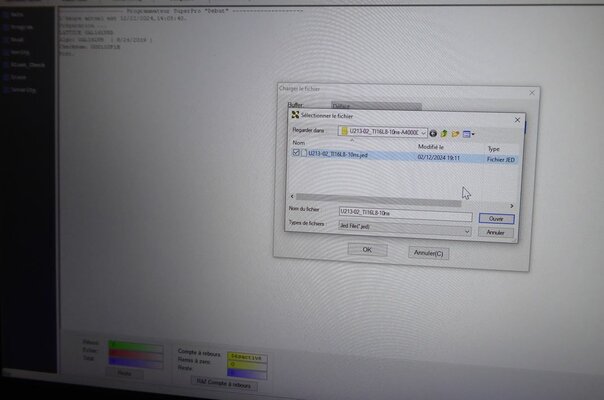
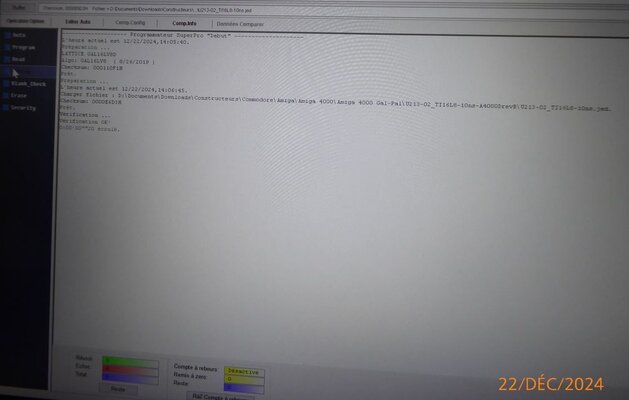
1- Load the .Jed U213-02
2- Launch the "verification" option.
If it's Ok, we have the right version, otherwise we have to reprogram the Gal or replace it...
It's a simple and effective system to check the versions installed on our Amiga motherboards...
Have fun
Ps: Some pictures for those who want to try this DIY, don't forget that you can destroy the Gal on your motherboard if you make bad connections, this must be done at your own risk
My motherboard has a Super Buster 11 and a Gal labeled U213-01.
Frustrated by not being sure that the right version of the Gal was in U213, I made a DIY to test the GALs directly on the Amiga CMs.
For this realization you need a 3M 22Pin control adapter and solder in reverse the Pins 1 to 20 for the 16V8D PLcc20 (others can also be tested).
In this way you can directly position the PLcc20 adapter on the Gal16V8 in U213.
1- Load the .Jed U213-02
2- Launch the "verification" option.
If it's Ok, we have the right version, otherwise we have to reprogram the Gal or replace it...
It's a simple and effective system to check the versions installed on our Amiga motherboards...
Have fun
Ps: Some pictures for those who want to try this DIY, don't forget that you can destroy the Gal on your motherboard if you make bad connections, this must be done at your own risk
Attachments
Last edited:


