A1200 Project for Events =D

  • Thread starter Thread starter fitzsteve
  • Start date Start date
  • Replies Replies 9
  • Views Views 1752

fitzsteve

Retired Slacker
Assistant
AmiBayer
Joined
Aug 19, 2009
Posts
20,777
Country
UK
Region
Sevenoaks
Hey Peeps,

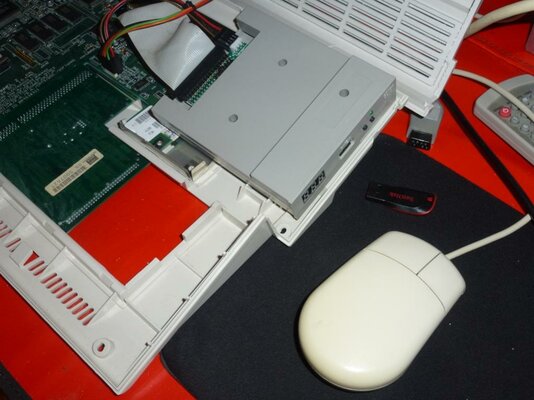
I wanted to make up a nice robust A1200 that I could take to events and not worry about, so here it is!

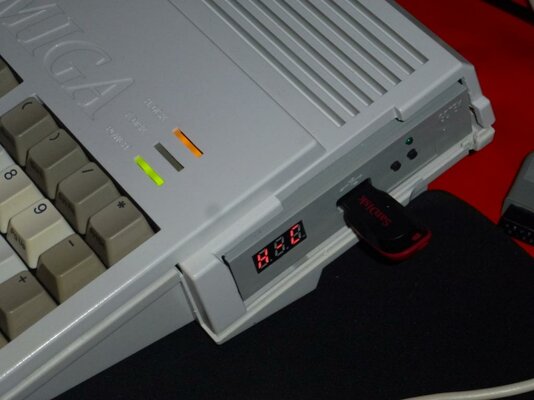
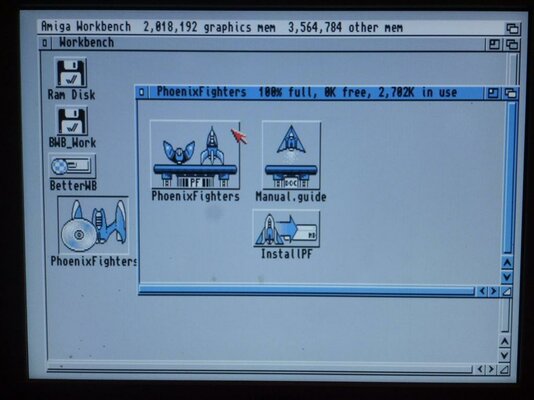
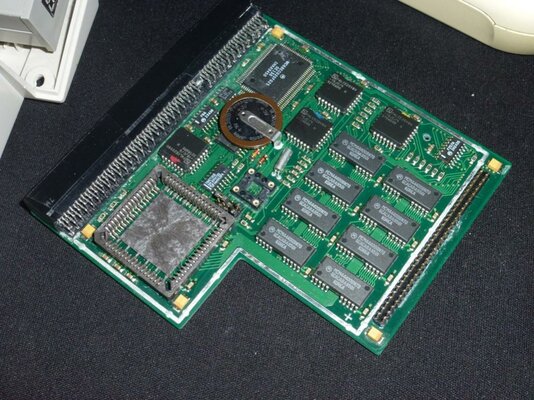
The A1200 has 3.1 Roms, a Gotek Floppy Emulator, Blizzard 1220/4 and a 1gb CF HD with a basic install of Better Workbench.

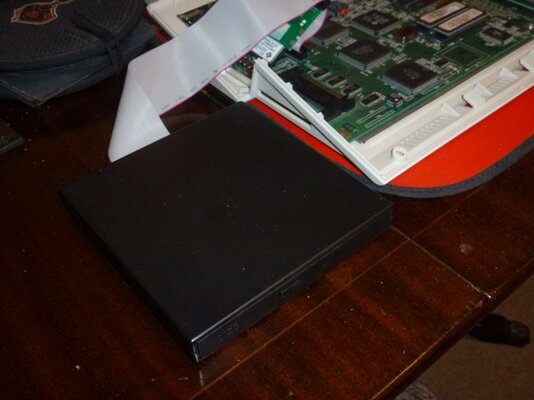
There is also an external CDROM but this will be replaced with my internal slot loader (just need to make up the cables and fix the DVDRW in place) Slot is already cut from before.

Why the Gotek? Well if you remember I used this case for my A1200 which had a SCSI reader and I already cut the floppy part of the case for that and it also already has a slot cut for the slot loading DVD, I really hate to waste any parts hence this little project being born.

Some pics:
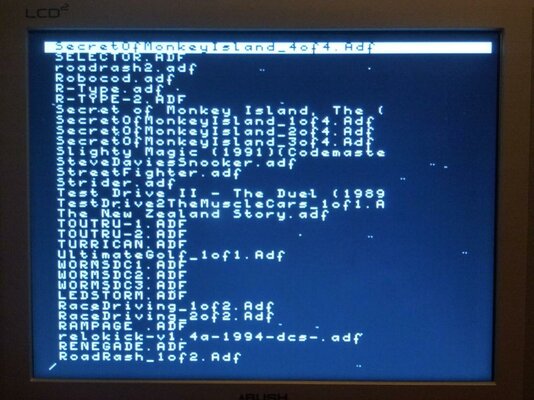
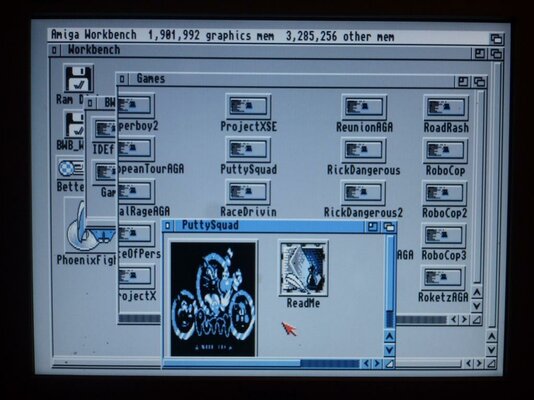
P1080476.jpg P1080463.jpg P1080475.jpg P1080468.jpg P1080477.jpg
P1080465.jpg P1080467.jpg P1080471.jpg P1080472.jpg P1080473.jpg

The Gotek seems to work well, not tested it too much though. I need to make a CD32 boot ADF to load CD32 games at some point, that will be cool.

4mb is plenty if you keep Workbench simple and fine for most WHDLoad Games. The 1220 gives a nice little boost too!
 
Got my Slim DVDRW installed now, case closed and working great. Using the Gotek I created a CD32 Boot Disk from a blank ADF. It boots fine and I get the CD32 options screen but whatever I do I get a Guru 80000004, reboot/suspend. Anyone else encountered this with CD32 Emulation on A1200? (This is the CD32 Emulator in the IDEFix 97 package)

I tried all the options, of course I have the device set correctly, if I try to 'initialise' the CD spins up so it's defiantly talking to it!

Any idea's?

Otherwise this a great little system :D
 
Last edited:
HI Steve
Just installed CD32 from the IDEfix97 package to see if it will work on my A1200 to try and help ya

Did a Floppy CD32 install used Unit=3 which = CD3 in my Devs drawer , if you are using a 4x IDE adapter like mine check port/UNIT the CD drive is on using `FIND DEVICE` and alter accordingly in the CD3 file if this is incorrect and also my DEVICE=atapi.device.
if you are not using a 4x times adapter the CD drive UNIT will always be 1 so alter the CD1 icon file accordingly.

anyways I installed CD32 emulator booted from it with Zool in the drive, I left the settings as was on the boot up menu , and started the Emulater and all worked perfectly so tell us how you get on Stevo !

Supa
 
Last edited:
Hi supa, thanks for testing. I'm sure it worked fine on a previous Amiga.

Of course I've got the device settings correct, I'm familiar with how that all works.

Something seems to be causing a guru when it tries to load the disc.

Maybe I'll try the cd32 emulator from the squirrel scsi package.
 
Nice setup Steve....simple but powerful for your purpose.

I am always amazed to see all the (new?) hardware you seem to come up with. It occurs me you may spend so much time playing with new hardware, selling old...acquiring new again...how can you have any time for actually using the hardware!!! LOL

Sorry I cant help with the CD32 issue....but have you tried it with the drive only plugged into the IDE port natively? (no idea if that would help...but who knows right?)
 
Hi Ash,

Thanks for the kind words.

I really enjoy tinkering, probably for me that's the best part. But of course they all get used too and this one especially will at events and meets.

Just have to try and limit the amount of stuff I have so if I want a new project normally something else has to go,one hand to help fund it but also not to get in a situation I was a few years ago when I couldn't move for the amount of stuff lol.
 
Just in case you don't know steve the CD32 emulator works with CDTV disks brilliantly :)
 
Back
Top Bottom