A2000 2386SX Bridge Board help requested

  • Thread starter Thread starter SvenPook
  • Start date Start date
  • Replies Replies 24
  • Views Views 401
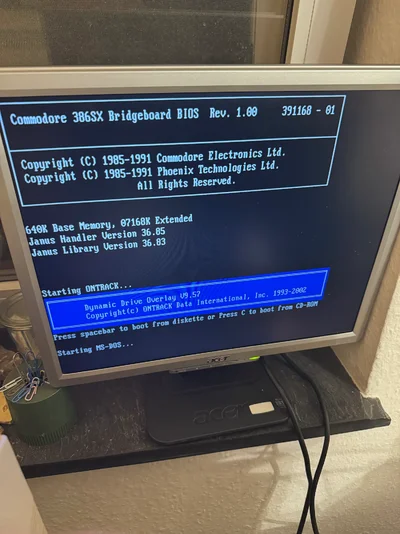
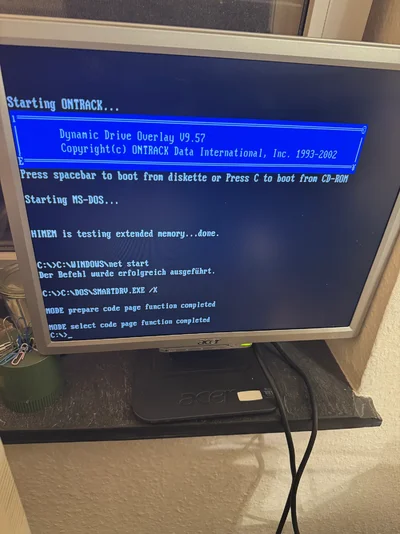
In order to get the drive on your soundcard bootable in DOS you can use a dynamic drive overlay software like ontrack. on the a2386 side you can boot from the ontrack floppy disc, the software recognizes the drive and sets it up for you. That way you also have bridgeboard tools like amouse, atime etc. working, you can move files DOS -> Amiga and vice versa which for me never worked with xtide.
 
In order to get the drive on your soundcard bootable in DOS you can use a dynamic drive overlay software like ontrack. on the a2386 side you can boot from the ontrack floppy disc, the software recognizes the drive and sets it up for you. That way you also have bridgeboard tools like amouse, atime etc. working, you can move files DOS -> Amiga and vice versa which for me never worked with xtide.
I'll tried Ontrack, just freezing when trying to load something after start page. What's your sound card?
 
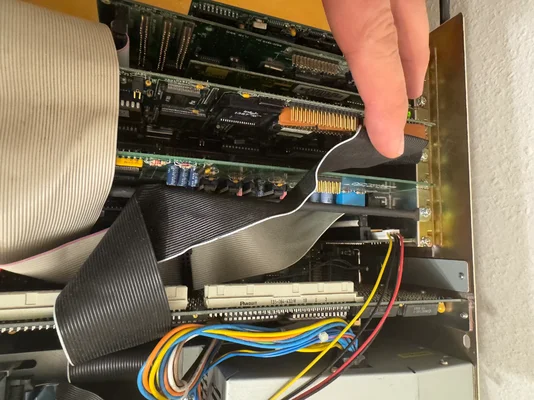
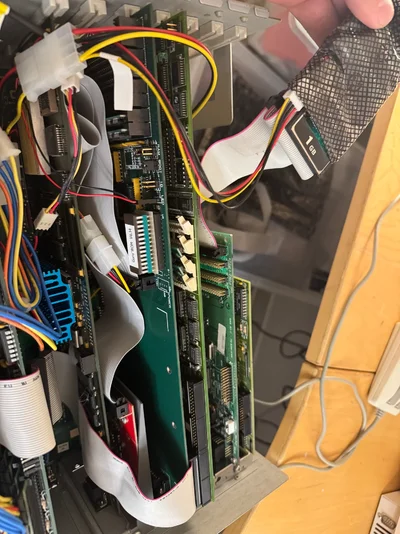
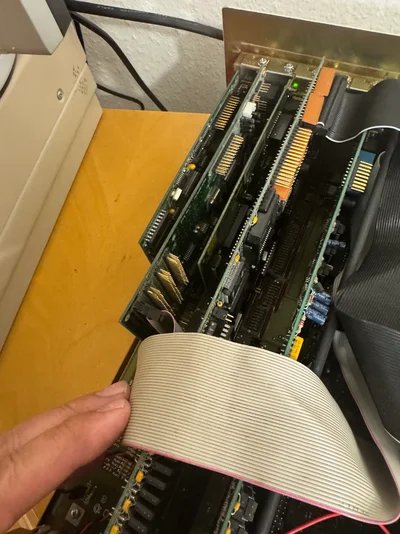
It’s a formosa SC1616. I currently have two bridgeboard rigs, both running with that and a cf card ( sorry not sd as I mentioned earlier) connected to the IDE connector. The second system has got a vortex golden gate however, not an a2386. both are A2000, 1st system has a2630, picasso 2+a2320, a2386, 3com Ethernet, formosa sc1616 and a 16 bit vga card (no idea what brand? name sounded chinese). the 2nd compromises of a pps 2000/040, gvp impact controller+zuluscsi, cybervision64, the formosa, a vortex gg and another vga card for the pc side, again something chinese sounding (Zheng ? Wheng?). It’s been some time since I assembled them. Both work without flaws so there is a way.
 

Attachments

  • IMG_9215.webp
    IMG_9215.webp
    297.4 KB · Views: 6
  • IMG_9216.webp
    IMG_9216.webp
    356.4 KB · Views: 8
  • IMG_9219.webp
    IMG_9219.webp
    290.1 KB · Views: 6
  • IMG_9217.webp
    IMG_9217.webp
    248.6 KB · Views: 5
  • IMG_9220.webp
    IMG_9220.webp
    326.3 KB · Views: 5
After years of having a Sound Balster and Multio IO card (for IDE only) installed alongside my Bridgeboard, I swapped in a single a PicoMEM. I don't see any "software emulation" ruining my experience. In fact, it's the opposite of either DOM or spinning IDE HDD... the PicoMEM blows those drives away in both speed and simplicity. Heck, even AMOUSE works...

I set PicoMEM as IRQ7 and use the PicoMEM AdLib at IRQ5. Yes, I will be eliminating the possibility of using LPT1. The sound isn't nearly as good (it is emulated and sometimes a little stutter-y) as the Sound Blaster, so I may simply put that card back in.

For those who have not yet soldered in the 16-bit ISA bus extensions (I have), the PicoMEM is a godsend. You can still use your Amiga HDD or Floppy if you like, it's very flexible. Also, make sure to install at least PICOINIT on your DOS drive and put it in Autoexec. You can then swap floppy images on the fly!

I am playing with the NE2000 WiFi now, and honestly, it's an unbelievable card, and to think all over the 8-bit bus. I asked FreddyV if he had plans for a 16-bit version, however he has a real affinity for the old ISA bus :) though a faster PICO2 card is in the works!
 
Last edited:
I have two PicoMEM cards installed in both my A2K Amiga's and it is indeed a great card! My A2K has a A2286 with PicoMEM and an EGA card installed. Commander Keen runs flawless with no side scrolling issues :)
The other 2k5 Amiga has a Vortex GG with a Tseng ET4000, a PicoMEM and a CMS sound card.

Soldering the 16-bit ISA bus extensions is on my (very long) to do list.
 
Back
Top Bottom