WARNING: Don't try this at home unless you know what you're doing!
These devices are dangerous and can deliver lethal shocks even after being powered off. I've been working inside PSU's for over 20 years as a hobby and at work and earned my fair share of shocks; if you must, always keep one hand firmly behind your back while probing or working and keep it there until you are absolutely sure it's discharged.
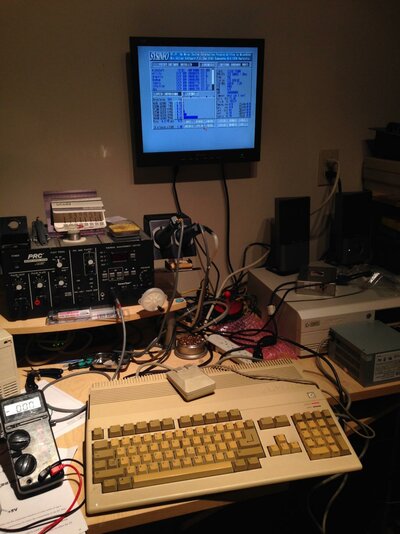
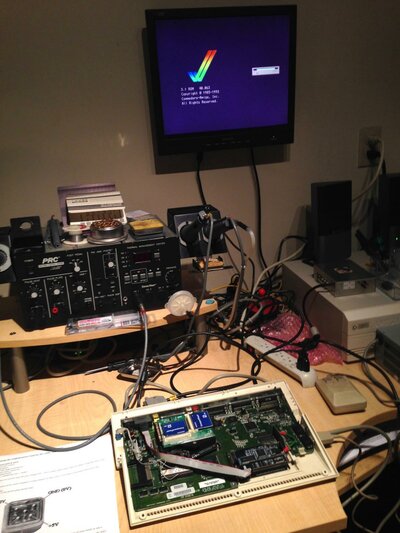
Was recently re-capping and fixing up my A600 and was ready to do some power-on tests; but before I did, I decided it would be a good idea to test out the A500 power bricks I've been using.
The results were not good.. #2 even makes a nice clicking sound and gives random voltages on all power pins, yikes!
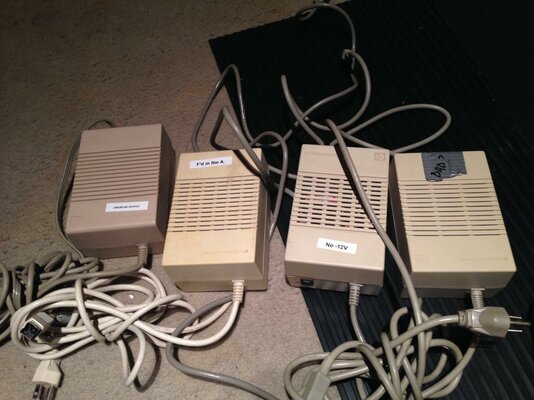
Luckily, the one I'd been using the most only had a dead -12V line
Did some research online and subsequently dug up an ATX supply I had, which worked fine for awhile but the power switch on the back wouldn't click and stay in the ON position -- Luckily the Amiga 500 PSU switch was a exact fit so it can be used instead.
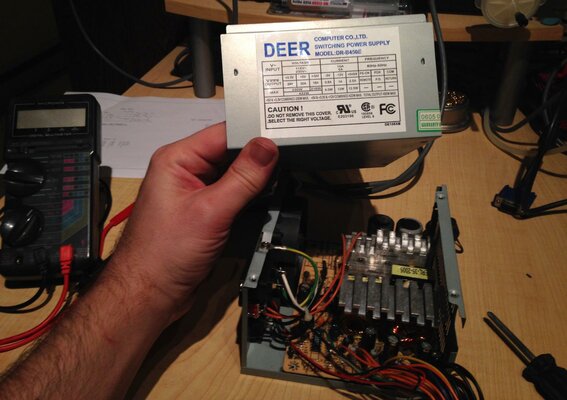
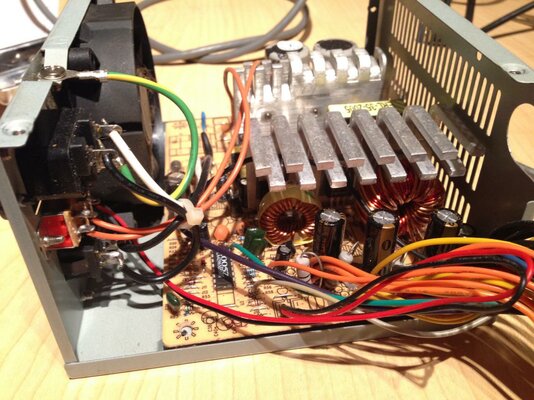
Bit of a mess-o-wires in there so I need to keep track of things..
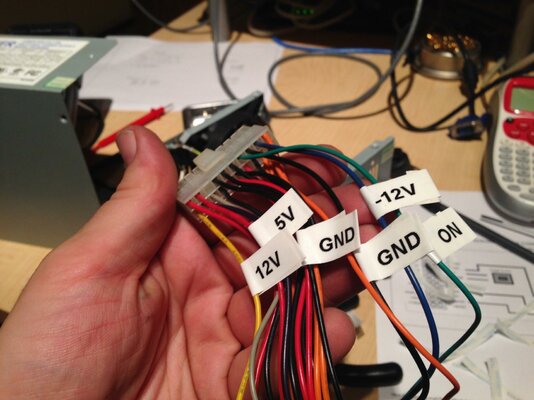
First up, labeled all the connections I want to keep:
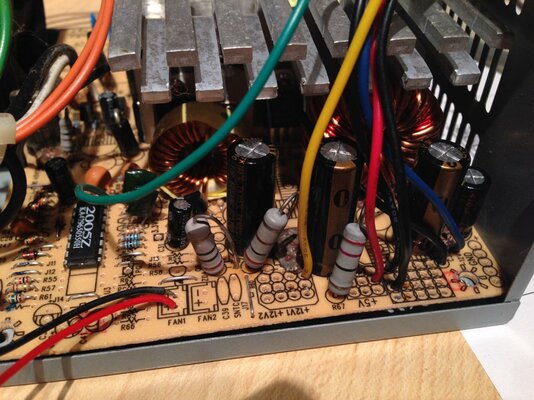
Then located the unwanted connections on the back of the PSU board... (and clipped some of those XL component leads nearly making contact...)
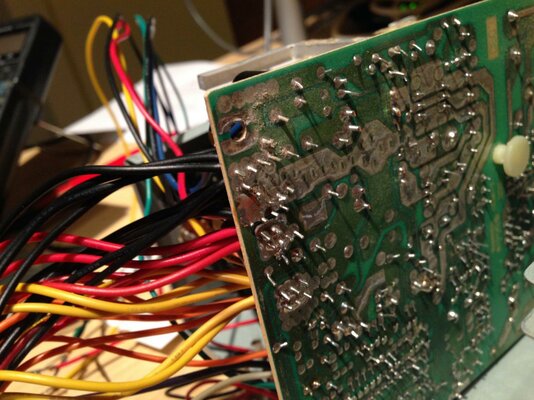
De-soldered all the leads with the Sodr-X-Tractor and cleaned up the joints and massive solder blobs -- just the labelled leads remain:
Next up I salvaged an A500 power cable and switch from one of the dead PSUs:
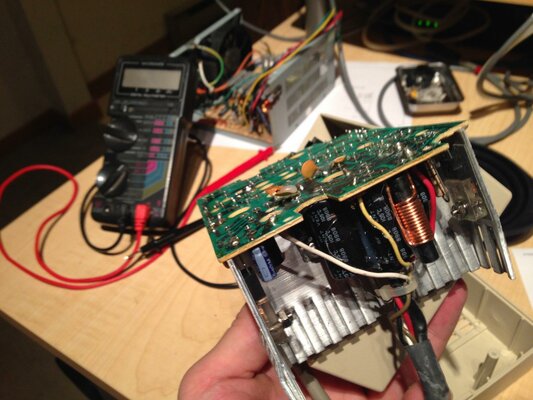
Then I soldered and mounted the salvaged cable -- the original cable holder fit neatly around the A500 connector end as well, and holds firmly:
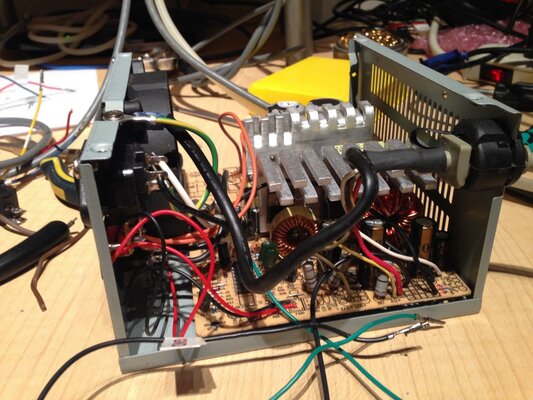
Installed the replacement switch:
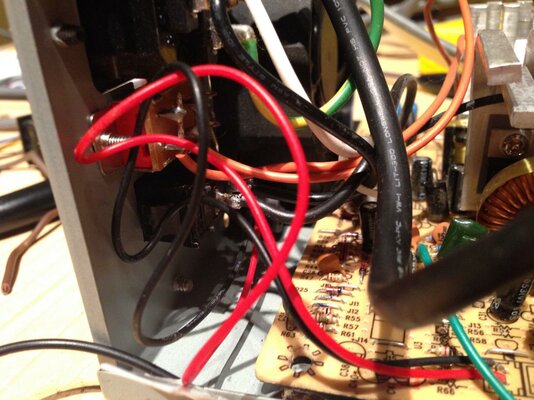
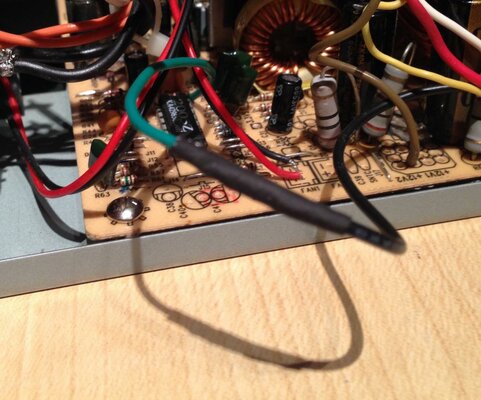
And finally tie the ON signal to ground so that the switch on the back just turns it on:
Full continuity check then a quick power-on and voltage test showed all the pins are wired up correctly and reading within acceptable ranges; time to see if it powers anything up..
These devices are dangerous and can deliver lethal shocks even after being powered off. I've been working inside PSU's for over 20 years as a hobby and at work and earned my fair share of shocks; if you must, always keep one hand firmly behind your back while probing or working and keep it there until you are absolutely sure it's discharged.
Was recently re-capping and fixing up my A600 and was ready to do some power-on tests; but before I did, I decided it would be a good idea to test out the A500 power bricks I've been using.
The results were not good.. #2 even makes a nice clicking sound and gives random voltages on all power pins, yikes!
Luckily, the one I'd been using the most only had a dead -12V line
Did some research online and subsequently dug up an ATX supply I had, which worked fine for awhile but the power switch on the back wouldn't click and stay in the ON position -- Luckily the Amiga 500 PSU switch was a exact fit so it can be used instead.
Bit of a mess-o-wires in there so I need to keep track of things..
First up, labeled all the connections I want to keep:
Then located the unwanted connections on the back of the PSU board... (and clipped some of those XL component leads nearly making contact...)
De-soldered all the leads with the Sodr-X-Tractor and cleaned up the joints and massive solder blobs -- just the labelled leads remain:
Next up I salvaged an A500 power cable and switch from one of the dead PSUs:
Then I soldered and mounted the salvaged cable -- the original cable holder fit neatly around the A500 connector end as well, and holds firmly:
Installed the replacement switch:
And finally tie the ON signal to ground so that the switch on the back just turns it on:
Full continuity check then a quick power-on and voltage test showed all the pins are wired up correctly and reading within acceptable ranges; time to see if it powers anything up..
Last edited: