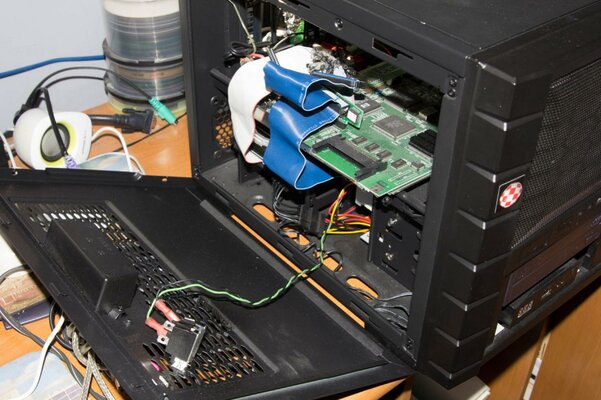
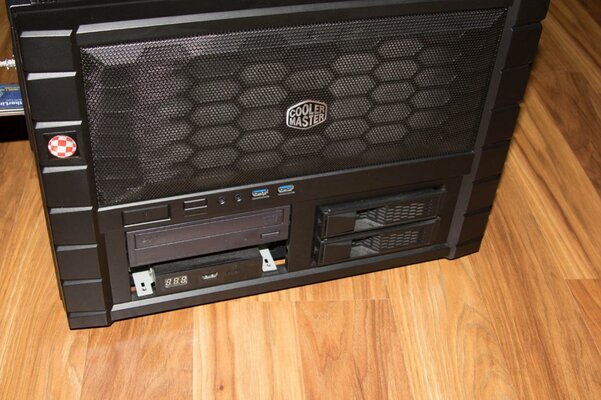
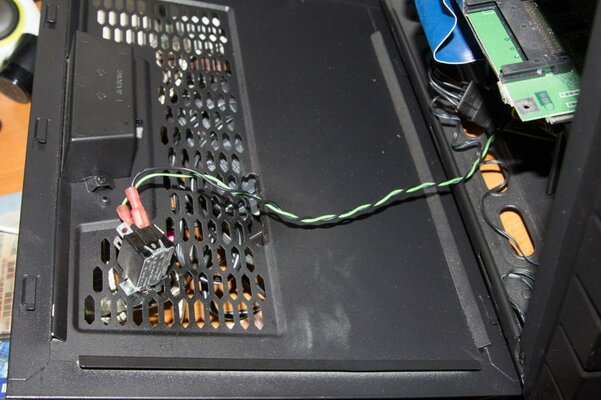
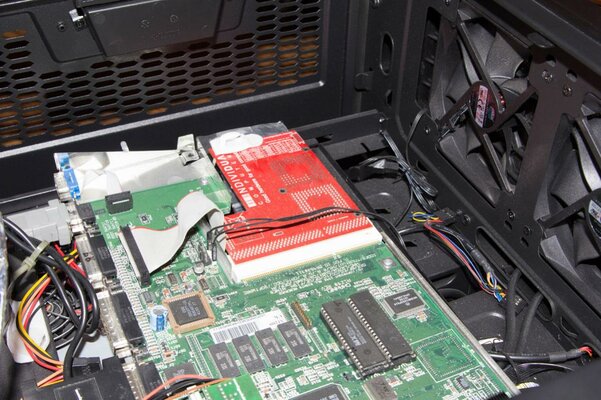
I have put a 1200 in this case and it fits perfect. The sides come off, the top comes off (fan is an extra, I do not have) and drives can be added in the front. I have added a CD drive and a Gotek drive internally. The video is sent to an LCD monitor via a EGA/RGB Signal to VGA HD Video Converter Board (29.) mounted inside. Also inside is a 230v power supply (15.) under the 1200 motherboard so you can access the 1200 by lifting out the top. I take the left side off to change PCMCIA cards which I cut a hole for. A hard drive boots it internally from a 4xIDE board also. It is accelerated with an ACA1232. Its' a fully contained case except for a Lyra keyboard converter. Pretty functional. You could add a Indivision for better quality video but having native modes was what I was after. I have an NTSC 1200. I plug the MAS player sound module in to run MP3's also. It is the size of a laser printer but much lighter. 2 handles on each side help its' mobility. Two durable 120mm XtraFlo fans included in the front.
I thought I would relay this functional case. Let me know if you would to see actual finished photos for this project. Minimal cutting is needed for this case. Just the left side panel is cut.
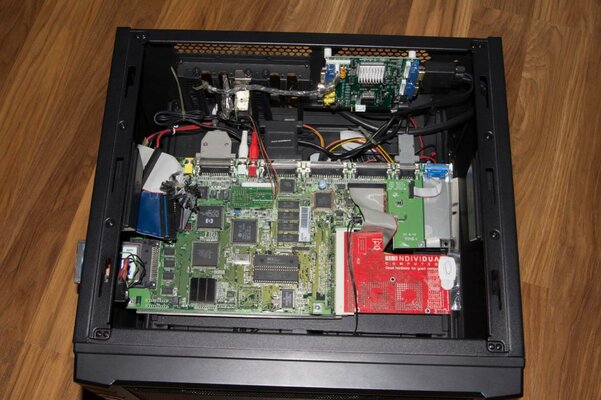
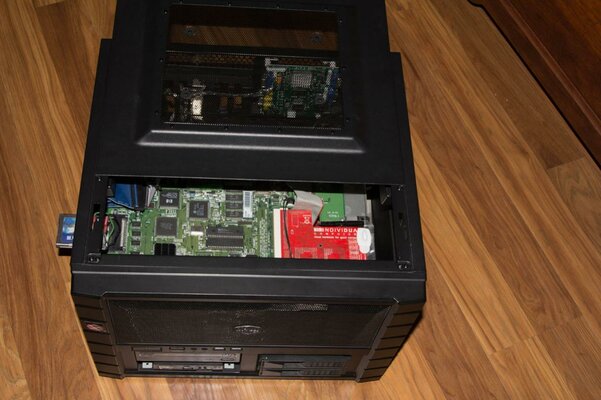 Lid easily slides open to rveal interior.
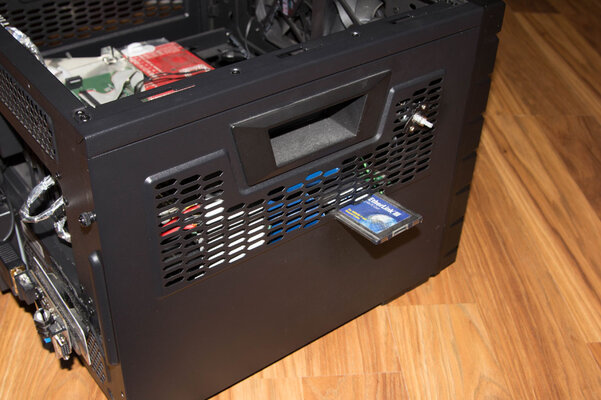
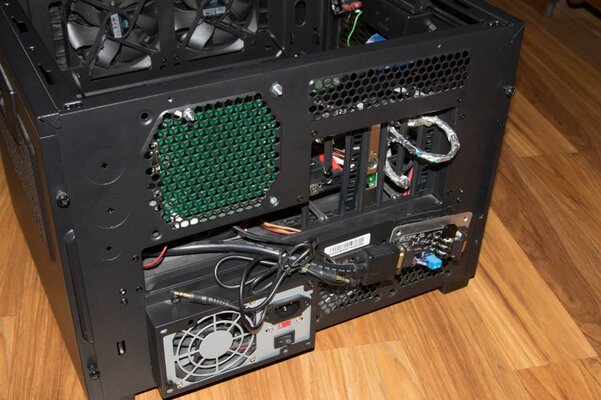 PCMCIA slot accessible from the outside. Power supply fits underneath.
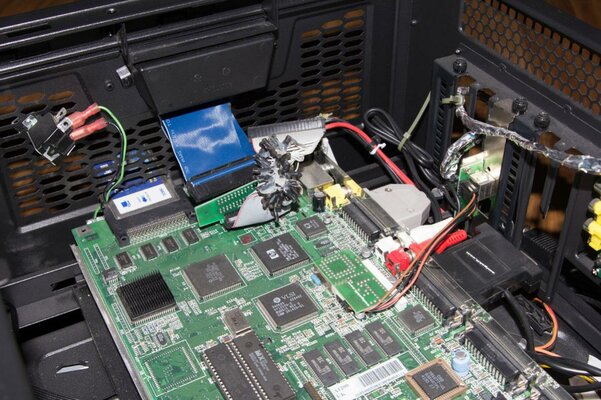
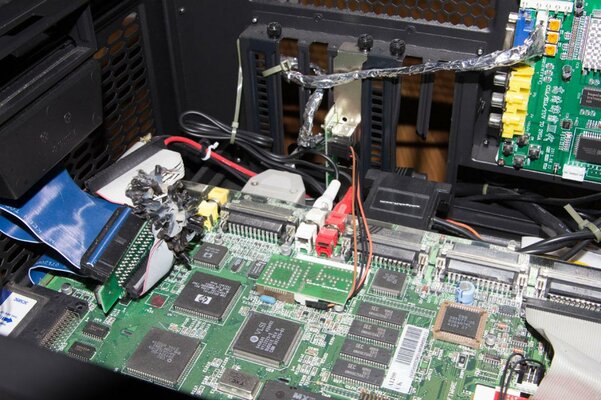 Inside is video converter and harddrive underneath MB also.
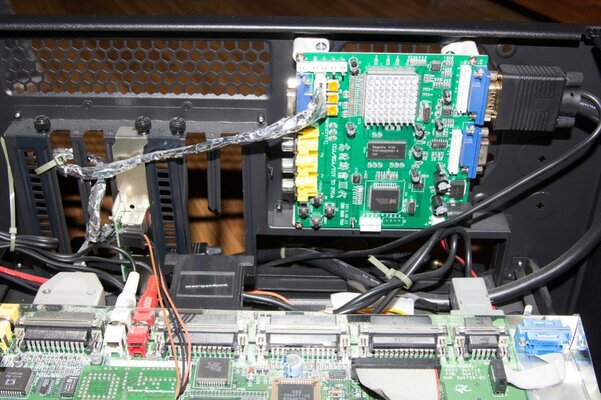
 Backwall the converter is mounted where a fan was suppose to be. Also accelerator fits.
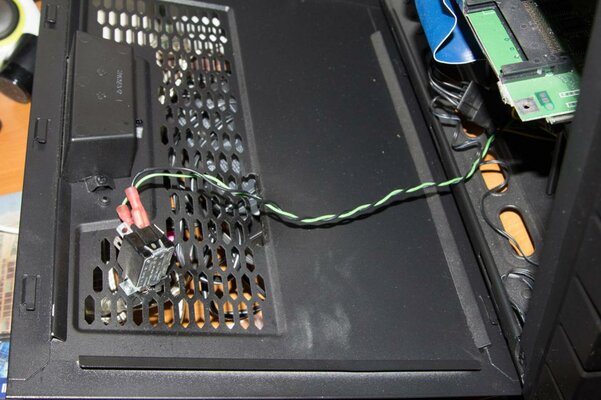 Left panel comes off for easy handling. 2 screws on back hold it on.
I thought I would relay this functional case. Let me know if you would to see actual finished photos for this project. Minimal cutting is needed for this case. Just the left side panel is cut.
Lid easily slides open to rveal interior.PCMCIA slot accessible from the outside. Power supply fits underneath. Inside is video converter and harddrive underneath MB also.Left panel comes off for easy handling. 2 screws on back hold it on.Attachments
Last edited: