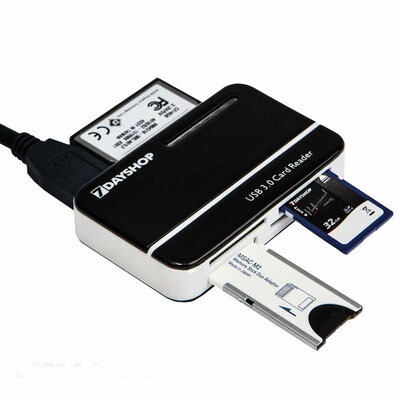
With many devices now using SD cards to load their OS and files they are pretty standard these days for many devices. Especially for Rasperry Pi, Steam Deck, and all the retro handhelds on the market now like the Ayn Odin and those from Anbernic.
Can anyone recommend some utilities/tools that make it easy to make a backup img from an SDcard, to write an image back or to clone an SD card?
I've found most Windows utilities tend to be very slow and unstable for larger SD cards. I need to do this to cards up to 1TB.
I've been considering Linux, using something like dd, but a nice gui frontend would be nice. Using Linux I could use a bootable usb stick to load it up. Plus as most systems using SD cards tend to format to Linux filesystems such as EXT4 it makes sense. Thy Linux filesystems is where I think using Windows can create to problems.
And does anyone know some good tools to test an SD card? A friend bought a new 1TB card and tried to clone another card to it, but it overheated and crashed Windows. So being able to test a new sd card before use would be good. I was considering Ubuntu's Disks application as this has benchmarking tools.
Any suggestions much appreciated.
Can anyone recommend some utilities/tools that make it easy to make a backup img from an SDcard, to write an image back or to clone an SD card?
I've found most Windows utilities tend to be very slow and unstable for larger SD cards. I need to do this to cards up to 1TB.
I've been considering Linux, using something like dd, but a nice gui frontend would be nice. Using Linux I could use a bootable usb stick to load it up. Plus as most systems using SD cards tend to format to Linux filesystems such as EXT4 it makes sense. Thy Linux filesystems is where I think using Windows can create to problems.
And does anyone know some good tools to test an SD card? A friend bought a new 1TB card and tried to clone another card to it, but it overheated and crashed Windows. So being able to test a new sd card before use would be good. I was considering Ubuntu's Disks application as this has benchmarking tools.
Any suggestions much appreciated.
Last edited: