
It's a question that concern most people nowadays I believe, so here it is. Currently I have in daily use an A1200 and an A4000, which I would like to use them under one LCD monitor. I tried two KVM switches, but to no avail. All of them (?) they seem to get power from the PS/2 connectors, which of course if you connect two Amigas, it's impossible, as the only cable you connect is the monitor one. I found another KVM switch which uses an external supply of 9V, but again nothing. Is there anyone with a better solution?

You are using an out of date browser. It may not display this or other websites correctly.
You should upgrade or use an alternative browser.
You should upgrade or use an alternative browser.
How to connect two Amigas in one monitor via KVM switch?
- Thread starter Templar
- Start date
- Replies 7
- Views 428

I have a Belkin KVM which I use to switch mine, but I use a 7.5v adapter with it if I used the 9V it states it would not work don't know it this would work for you
is your amiga 1200 in a tower or is it just normal?
is your amiga 1200 in a tower or is it just normal?
So your desktop A1200 will be your issue when using a KVM due to no keyboard signal from it unless you use a power adapter with the KVM
The KVM I use does switch the sound too but the A1200 I use with it is in a tower

The KVM I use does switch the sound too but the A1200 I use with it is in a tower
Hi, the one I have also has the ability to switch the sound as well, although as you said, no keyboard/mouse signal from both Amigas, therefore the switch cannot be operated. What I thought was these instead:
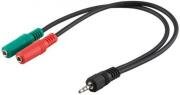
for sound...
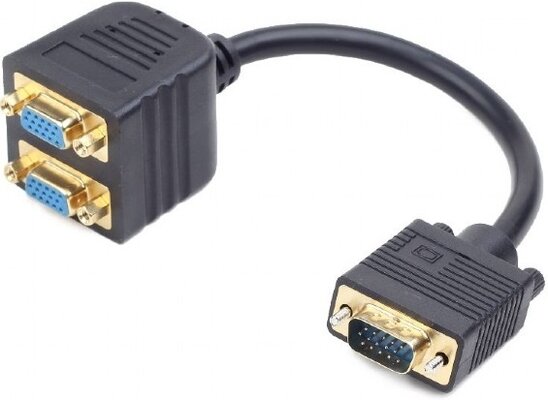
for the monitor...
for sound...
for the monitor...
why don't you get just a VGA switcher

I also found these audio switchers too I know it not all in one but I keeps the signals separate

