Mouse move horizontal only

  • Thread starter Thread starter Kasio
  • Start date Start date
  • Replies Replies 7
  • Views Views 3437

Kasio

Member
AmiBayer
Joined
Dec 5, 2010
Posts
71
Country
Sweden
Region
Stockholm
Saved an A1200 from the dumpster and I think the previous owner got insane from the mouse only moving on the x-axis..

Is there a likely cause for this and can it be fixed?

Tried three different mice with the same result.
 
Check the traces from the mouse port. Then check the TTL that interfaces the mouse port to CIA, Paula & Lisa.
 
The Amiga 1200 I bought here had the same problem. Was a dry joint on one of the smds (caps/resistors). Having the schematics makes fault finding much easier :-)

This also wouldnt be picked up by the above test, as route between chips was fine

Sent from my iPhone using Tapatalk. Please excuse any crazy auto corrects or lack of detail (links to info sources)
 
@Kasio

1. Check the mouse - it may be that its damaged
2. Check the port - it could be a mechanical issue
3. Replace / resolder C313 ( 0.047UF capacitor) *(a)
4. Replace U32 SMD varient of the 74LS168 (this is quite commonly the fault) *(b)


*(a) C313 is monolytic cap on the underneath of the board between the expansion port and serial port - its more likely theres a solder fault or the ceramic capacitor is phyiscally damaged than it it being faulty.

*(b) U34 is more comonly the actuall fault here, I would suggest that you re-solder the legs to ensure that theres no dry solder joint - should that fail then I suggest replacing this IC - sadly its not as common as most so eBay turns out to be a bit of a bust or I would link it for you.

I suggest to source one of these components - see your local electronics / hobbyist store has them.
 
If he needs U32 (or is it 34? You mention both), I have a few. As I had replaced that first :-)


Sent from my iPhone using Tapatalk. Please excuse any crazy auto corrects or lack of detail (links to info sources)
 
Many thanks for all the replies.

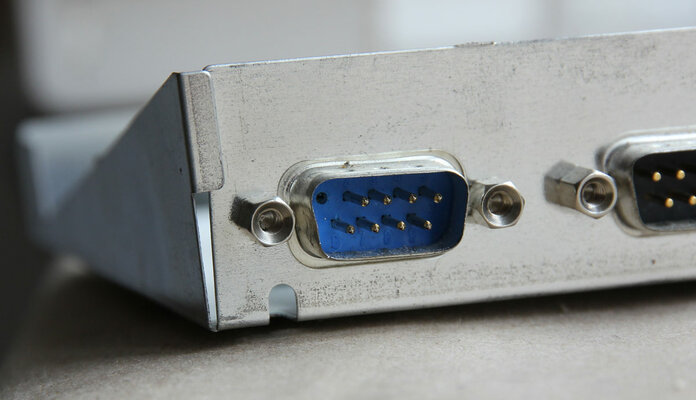
It turned out to be just a mechanical issue: A broken pin, which was later to be found in the mouse.

Sorry for bringing in the cavalry on this one.. :roll:
 

Attachments

  • mouseport.jpg
    mouseport.jpg
    83.1 KB · Views: 12
  • mouseport2.jpg
    mouseport2.jpg
    60.8 KB · Views: 4
Many thanks for all the replies.

It turned out to be just a mechanical issue: A broken pin, which was later to be found in the mouse.

Sorry for bringing in the cavalry on this one.. :roll:

We're just glad you managed to fix it and saved another miggy!

:thumbsup:
 
Back
Top Bottom