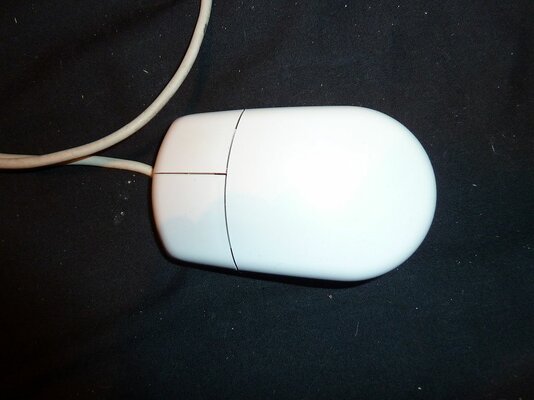
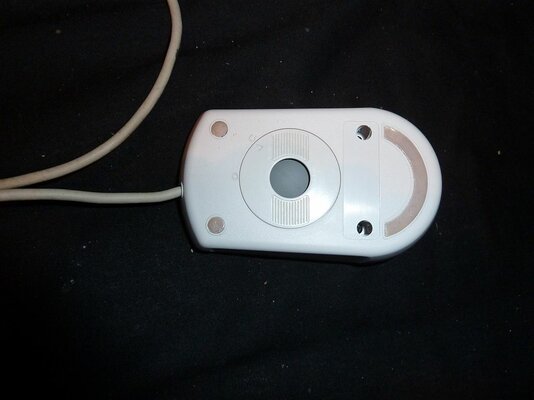
The sun is shining and the postman has just delivered some of the finest hair products the Internet has to offer, so I want to partake in some Retrobrighting. However, I’ve run into a problem: how do I remove the case from my mouse?
The style of mouse that I have should (should!) be pictured below.
There are no visible screws or anything. Still, I’m sure the answer’s pretty simple, but I thought I’d better check before I start blindly hacking away...
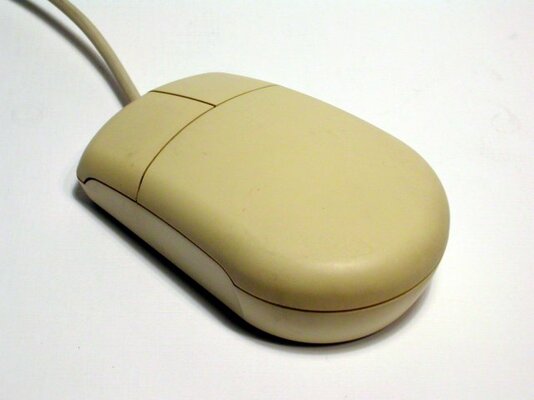
The style of mouse that I have should (should!) be pictured below.
There are no visible screws or anything. Still, I’m sure the answer’s pretty simple, but I thought I’d better check before I start blindly hacking away...
Attachments
Last edited:


 ) and theres a clip at the front so you need to slide the bottom and top apart. I think the PCB is just held down by 2 screws.