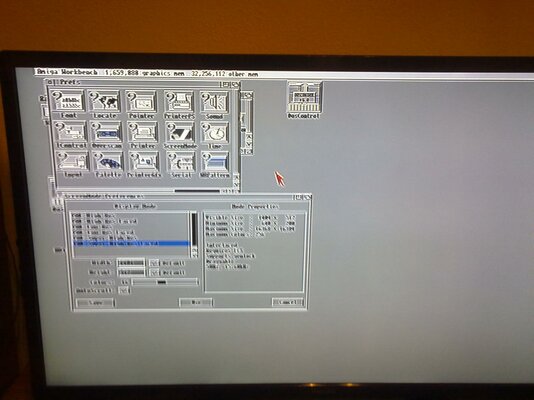
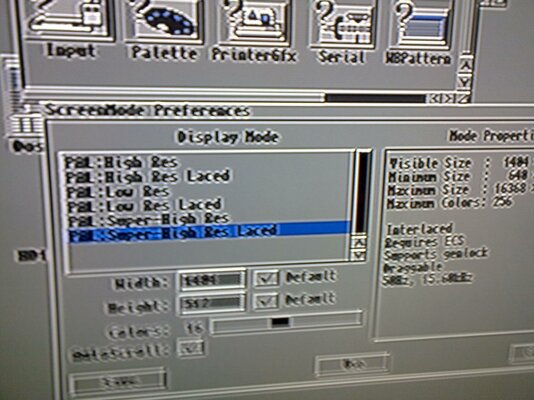
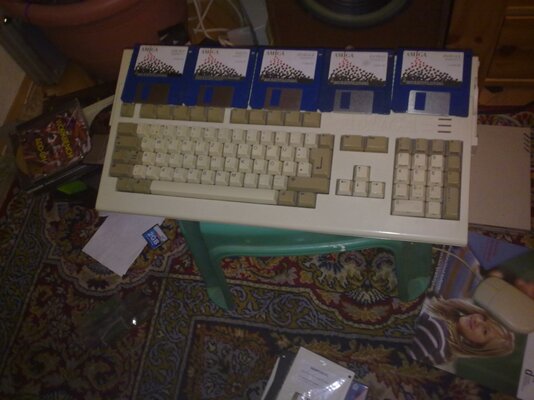
I never liked using WinUAE for my Amiga setups so I had to find a way to install ClassicWB without the need of an emulator. This works for me so I thought I'd share it with everyone.
1. Download ClassicWB (whatever version suits you)
2. Download an application for PC called ADF Opus (freeware)
3. Unpack HDF file with ADF Opus to desktop or wherever you want
4. Select all files and compress as System.zip
5. Burn System.zip and Install-disk.adf to a CD or transfer them with any removable media accessible on the Amiga
6. Write Install-disk.adf to a floppy disk
7. Create 2 partitions in the Amiga HD -> dh0: (bootable) and dh1:
8. Copy System.zip to dh0:
9. Insert Install Disk and Boot - ClassicWB will be unpacked now
10. When unpack is done load Workbench from 3.0/3.1 workbench/install floppy disk
11. From Shell -> Copy dh0: to dh1: all clone
12. Click Install ClassicWB icon
13. When install is done quick format dh0:
14. From Shell -> Copy dh1: to dh0: all clone
15. Boot
16. Enjoy
1. Download ClassicWB (whatever version suits you)
2. Download an application for PC called ADF Opus (freeware)
3. Unpack HDF file with ADF Opus to desktop or wherever you want
4. Select all files and compress as System.zip
5. Burn System.zip and Install-disk.adf to a CD or transfer them with any removable media accessible on the Amiga
6. Write Install-disk.adf to a floppy disk
7. Create 2 partitions in the Amiga HD -> dh0: (bootable) and dh1:
8. Copy System.zip to dh0:
9. Insert Install Disk and Boot - ClassicWB will be unpacked now
10. When unpack is done load Workbench from 3.0/3.1 workbench/install floppy disk
11. From Shell -> Copy dh0: to dh1: all clone
12. Click Install ClassicWB icon
13. When install is done quick format dh0:
14. From Shell -> Copy dh1: to dh0: all clone
15. Boot
16. Enjoy
Last edited: