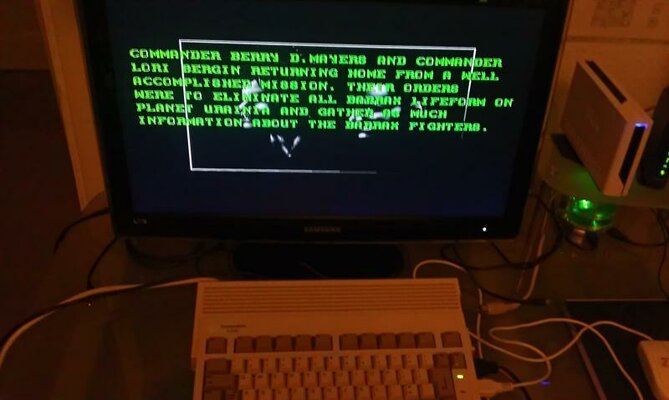
My A600 Project - Phase One

Paradroid90

C64 Junkie
AmiBayer
Joined
Feb 23, 2008
Posts
1,706
Country
England
Region
Chatham Kent
Recently I bought a very nice A600 from Fitz Steve and set about expanding this little baby into a good little WHD Load Machine :thumbsup:

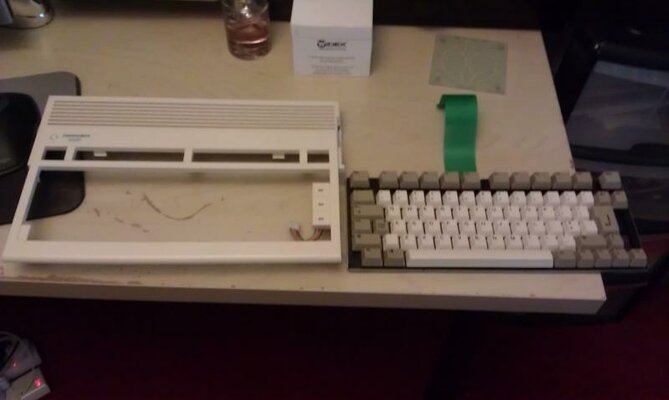
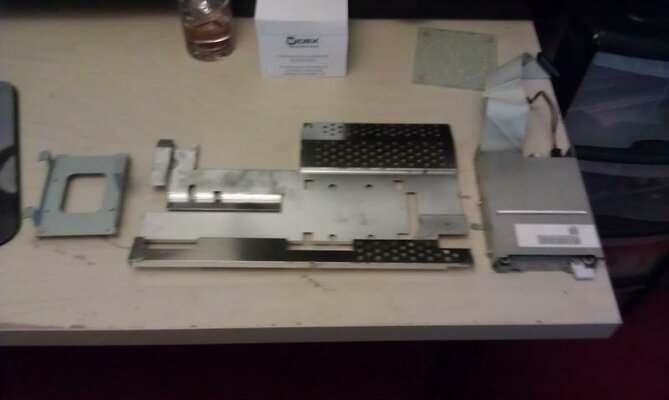
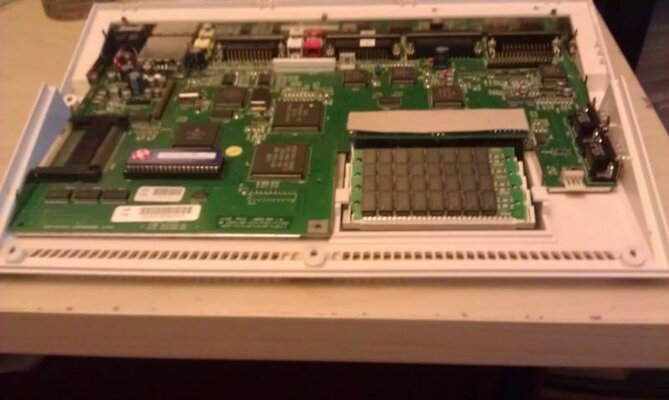
At present the little miggy is in bits at the moment after the case had a deep clean with Glow White and Persil.

In the mean time I have purchased some upgrades from you guys on Amibay :bowdown:

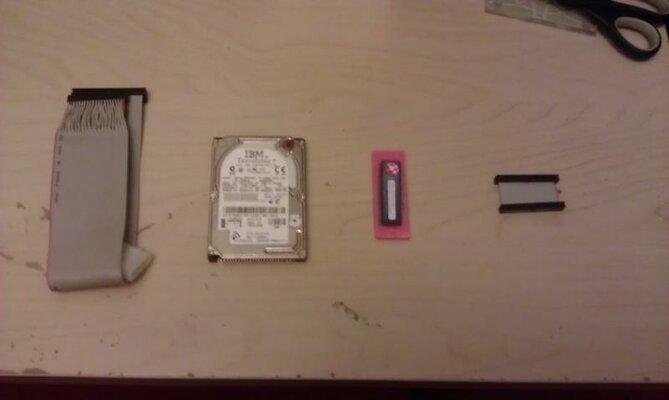
Thanks to Sardine for the 6.4gb Hard Drive and William for the 1mb of Chip Ram which is speeding it way to me :D

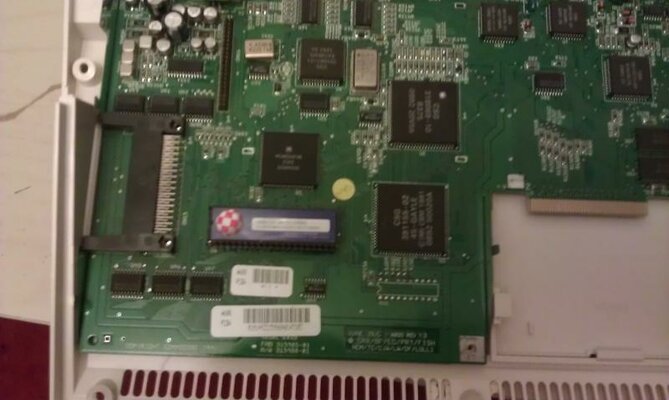
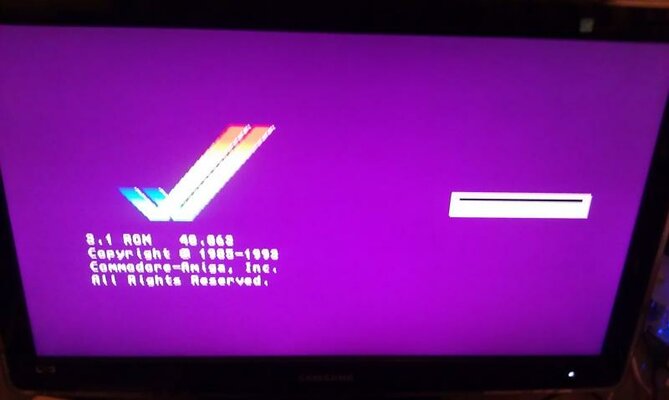
Also arrived has a 3.1 Rom from Amiga Kit which has already been installed :),also a 2.5inch HD Cable. From EBay I got a 2.5 to 3.5 converter cable to hook it up to my PC to create my Workbench Installation in WinUAE before placing in my miggy :D

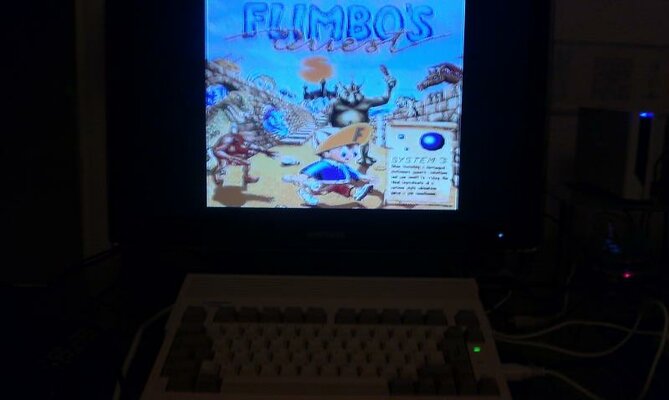
I have uploaded some Pics to show you all what stage my WHD Load A600 is getting on

Looking for a CPU and Fast Ram expansion next !!!

Thanks for looking :thumbsup:
 

Attachments

  • IMAG0145.jpg
    IMAG0145.jpg
    18.4 KB · Views: 5
  • IMAG0149.jpg
    IMAG0149.jpg
    45.8 KB · Views: 4
  • IMAG0150.jpg
    IMAG0150.jpg
    23.3 KB · Views: 8
  • IMAG0151.jpg
    IMAG0151.jpg
    27 KB · Views: 6
  • IMAG0152.jpg
    IMAG0152.jpg
    25.3 KB · Views: 6
Thanks Buddy :thumbsup:

Might be taking your advice and ordering one of kipper 4mb fast ram upgrades
 
Thanks Buddy :thumbsup:

Might be taking your advice and ordering one of kipper 4mb fast ram upgrades

Well worth a look at for sure, 4mb Fast Ram is good for nearly all ECS/OCS Games :)

Pending on where you want to go with the project the ACA620EC is will worth a look at too, having an 020 on board really makes a difference to overall performance, and in fact you could have saved the money you spent on the 3.1Rom (towards the ACA) as the ACA620 can map it into it's ram from an image file ;)

WHDLoad is a nicer experience on an 020 also, you can use the Quit key on all games whereas on an 68000 some will need a warm reset, not a big deal if you use Classic Workbench boot menu & AGLaunch though :coffee:

Like most things, it's all about where you stop...
 
Yeah was looking at the 020 route but it was on the Amiga Kit Website and then it has been withdrawn :Doh:

As for the 3.1 rom it was only £12.00 and I always like to be a completest lol :thumbsup:
 
Nice project, I am in the same situation and I'm contemplating which route to go. I'm leaning towards ordering the ACA020 as it's pretty affordable and as Steve says it saves you the 3.1 ROM cost.

Is there any real use for the 1MB chip upgrade though? Is that needed for some WHDLoad games?
 
I must admit I have never really tinkered with a A600 before so it is a bit of a learning curve :unsure:

Did have a A1200 in the past so going the same route I suppose.

The reason for the chip ram is that Classic Workbench needs 2mb chip ram to run so at least I can have some kind of usability until I can save the pennies for a 020 accelerator or 4mb of fast ram.
 
The Chip Ram is really important, many games need 1mb+ and if you have any eye candy on your Workbench so can say good bye to it really quickly.

Saying that many games will run even with 2mb Fast & 1mb chip but normally the Chip Ram is the cheaper upgrade and will make the system useable for the time being. Really for running any kind slightly upgraded Workbench 1mb just isn't enough. Classic Workbench GAAE on a 4gb CF uses half of that 1mb just to boot and that's with most of the options turned off.

The other problem is using a 4gb CF (or larger HDD) with just the HDD buffers and mounted partitions you're Ram is chewed up, you can do better with a smaller HDD. I had a 512mb SSD and with 1mb Ram I think only 200-300k was used after booting.

2mb is quite useful on an A600 with a basic Workbench :)

Enjoy :thumbsup:
 
Thanks Steve

Ill keep you all posted and have a play with the HD at the weekend to get Classic Workbench Installed :thumbsup:
 
Thanks Steve

Ill keep you all posted and have a play with the HD at the weekend to get Classic Workbench Installed :thumbsup:

Remember if you want to use all the 6gb of your HDD you need to patch the scsi.device and use a file system like PFS3. (SFS wont work as you don't have an 020)

You could just setup a couple of smaller partitions with FFS for now as with 1mb Ram you might not find any left after you boot :lol:
 
Nice one! The A600 is a lovelly little machine (Though i hated them with a passion back in the day as they came out / replaced my brand new (at the time) A500+)
 
Just to keep you all updated I have received and installed the 1mb Chip Ram from William and it has worked a treat :thumbsup:

Now to get that HD Sorted this weekend :unsure:
 

Attachments

  • IMAG0154.jpg
    IMAG0154.jpg
    55.9 KB · Views: 5
  • IMAG0153.jpg
    IMAG0153.jpg
    42.5 KB · Views: 3
@ Paradroid90

Ahh, the old Marpet Developments expansion, with the 30-pin SIMMs; one of my A600s has that expansion inside it. Nice. :)
 
Made some progress this weekend :thumbsup:

After having issues partitioning the 6.24gb HD in winuae I eventually sorted that by using the clean command.

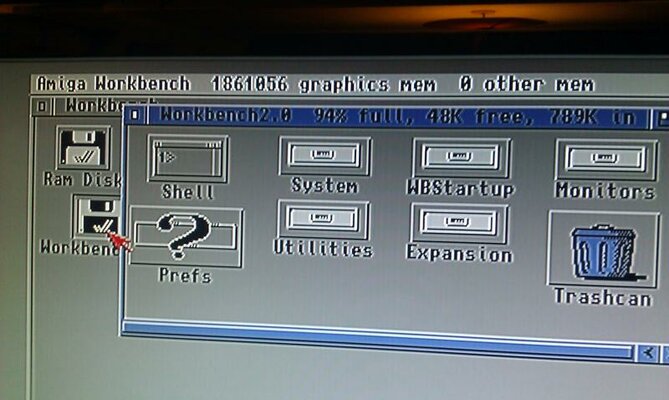
Installed Classic Workbench 68k edition on the HD.

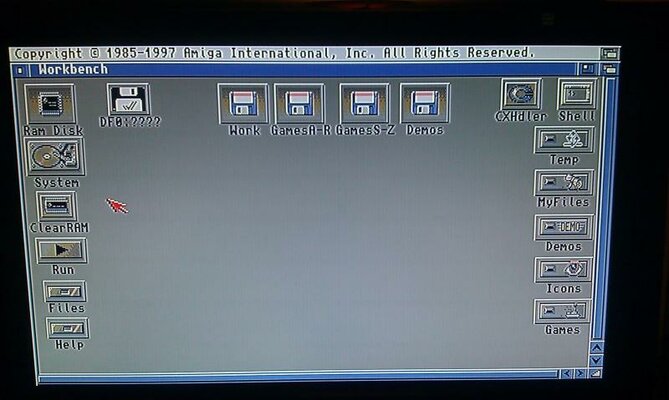
A600 found the HD straight away and booted into Classic Workbench - Result!! :D

Thanks Steve for the great vid - really helped - Just transferring all my WHD Load installs via WinUAE onto the miggy HD.

Images to follow
 
Nice one, glad I could help :)

With Classic Workbench 68k you can boot into a low memory usage boot menu by holding the right mouse button during booting.

From here if you select Run List>AGLaunch you can load your games with the maximum memory available. You must have set the assigns like in my Video for AGLaunch to work though :thumbsup:

Nearly all old 1 Disk ECS Games will work with 2mb Ram and many multi Disk Games too. Obviously you'll have a lot more success once you get some Fast Ram.

Enjoy.

Steve.
 
Well I have done as much as I am prepared to do today lol

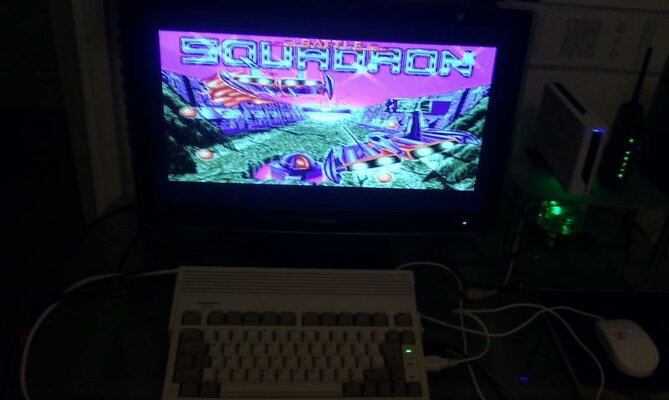
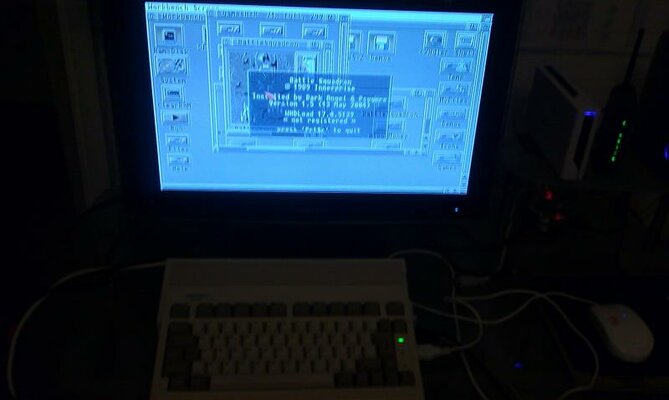
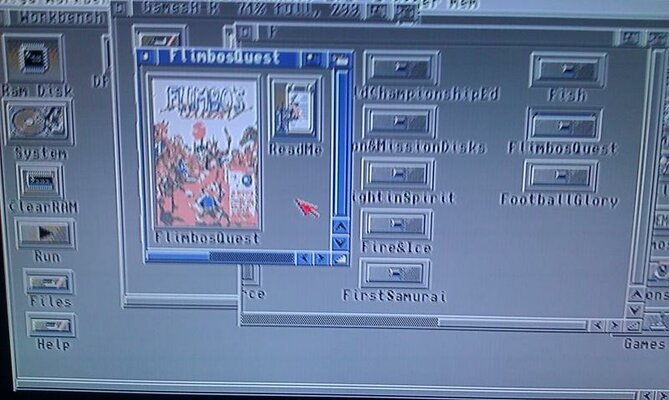
All my WHD Load Games and Demos have been transferred :thumbsup:

Loaded a few low memory games - worked :thumbsup:

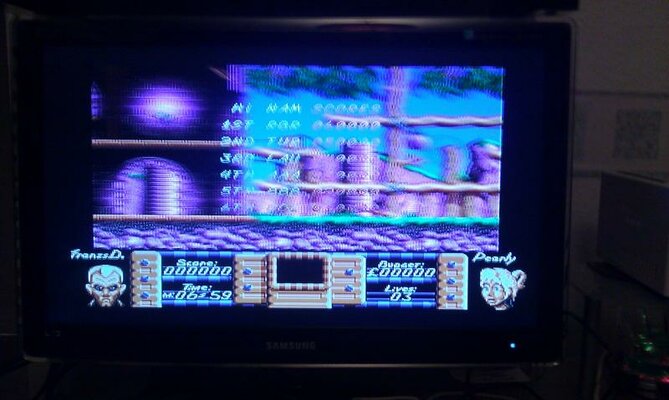
Might of made a slight boo boo though I might of messed up the chip ram as the picture glitches from left to right and back again :Doh: :oops:

Tried without the chip ram and there is no glitch

Anyway some images below
 

Attachments

  • IMAG0167.jpg
    IMAG0167.jpg
    40.8 KB · Views: 7
  • IMAG0165.jpg
    IMAG0165.jpg
    30.8 KB · Views: 7
  • IMAG0162.jpg
    IMAG0162.jpg
    53.3 KB · Views: 6
  • IMAG0160.jpg
    IMAG0160.jpg
    30.4 KB · Views: 6
  • IMAG0159.jpg
    IMAG0159.jpg
    61.8 KB · Views: 3
  • IMAG0158.jpg
    IMAG0158.jpg
    49.9 KB · Views: 8
  • IMAG0169.jpg
    IMAG0169.jpg
    42.3 KB · Views: 2
Thanks Mike

Any thoughts on why the screen is glitching from side to side with the chip ram?

Think I might of damaged it when I have been installing today :Doh:

Thanks in Advance as always buddy
 
Back
Top Bottom