SD Card is Write Protected

  • Thread starter Thread starter rzazar
  • Start date Start date
  • Replies Replies 7
  • Views Views 2016

rzazar

Member
Joined
Jul 19, 2019
Posts
41
Country
United States
Region
Virginia
Greetings all,


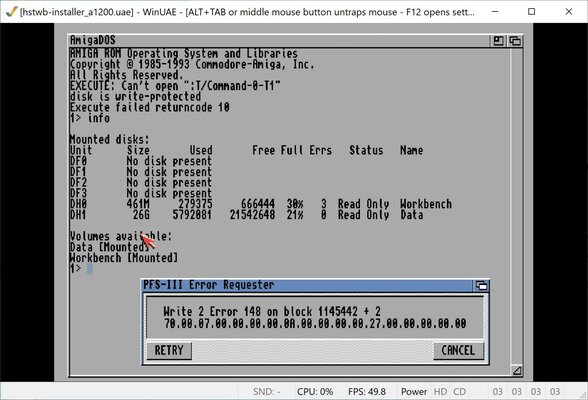
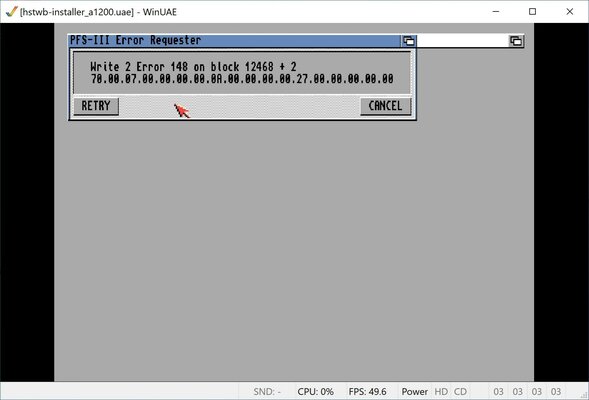
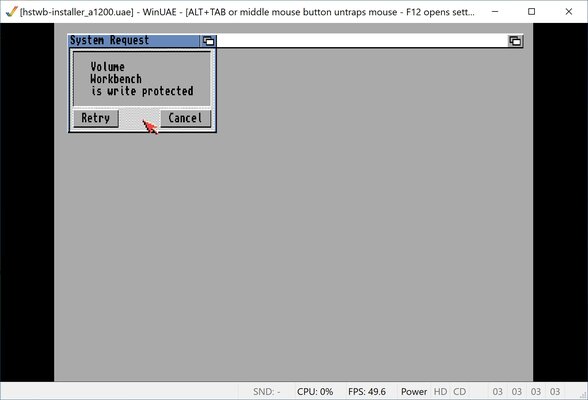
I'm facing an issue with SD card. After writing my Workbench HDF file created by HstWB installer to SD card (using Win32DiskImager) I'm getting error that the CF card is write protected.
1.jpg2.jpg3.jpg


needless to say, I never had this issue with CF cards, I created different versions of WB (3.1.4, 3.9, BettwerWB or classic) with HstWB Installer and all of them work flawlessly on WinUAE or my Real Amiga 1200.


I ordered an IDE to SD card and waiting for my package so meanwhile I can not test the SD card on my A1200.


I would greatly appreciate it if you kindly give me some advice on this matter.
 
Its the filesystem PFS3 , it will not let you write to it as it has found errors, its a failsafe to stop you ruining rhe drive any further, so the problem must lie in your image or system setup
 
Its the filesystem PFS3 , it will not let you write to it as it has found errors, its a failsafe to stop you ruining rhe drive any further, so the problem must lie in your image or system setup

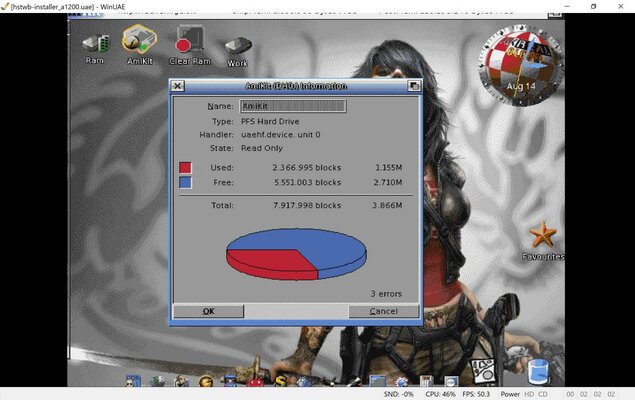
Thanks for your quick respose. filesystem is PFS3, here are screenshot of AmiKit with error, I still get the error message pop-ups but WB manage to boot but both partitions are write protected :

4.jpg55.jpg

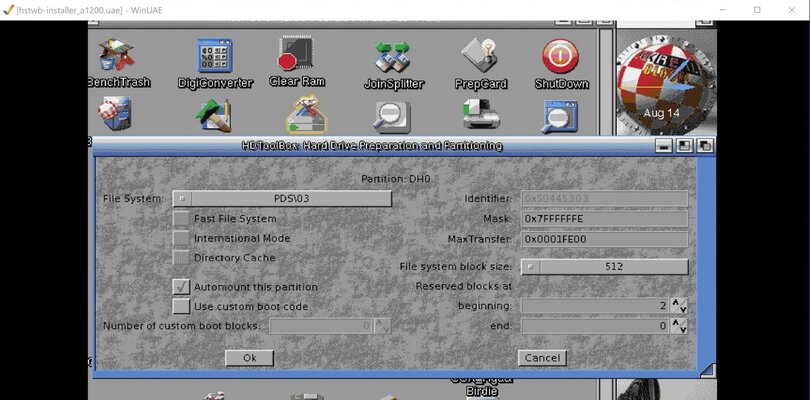
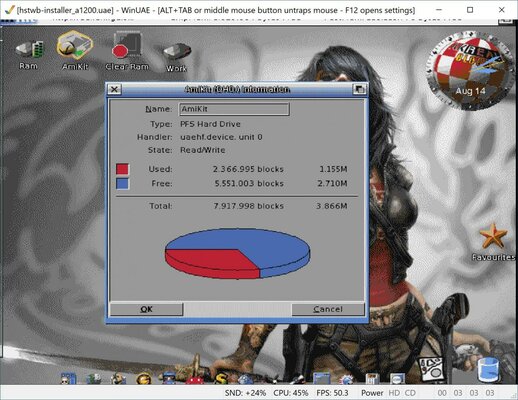
There is no problem with WinUAE setting or Image files that I have, I run WB 3.9 (Amikit 9) HDF file without any issue. but when I transfer the image to SD card this will happen. here is a proof I use the HDF file with WinUAE and everything works well:

This is the screen shot of my HDF file which runs without any issue
6.jpg

This only happens when I use SD card, all of My CF cards with the same HDF image work without issue. As I mentioned before I want to use SD card instead of CF, so I was preparing Amikit HDF file to use on my A1200 :picard

- - - Updated - - -

Plug the card into your pc and use diskpart to clean it, then try writing the HDF to it again.

https://www.windowscentral.com/how-clean-and-format-storage-drive-using-diskpart-windows-10

Thank you for your reply. I cleaned the SD card with "SD Card Formatter" app, but I will do the dispart to see if it helps
 
Last edited:
It could also be your SD card reader/writer that you are using on your computer, I have seen that before too
 
I'm trying to write the same image (16GB Version) to a new 16GB Micro SD card and I will post the result.
 
Ok I just figured out that my SD card reader is causing the problem, I write the image on Micro SD card and then I used the card on my SD card reader same problem "write protected" then I inserted the micro SD card in my Surface pro micro SD slot and everything works perfect.

Thank you all for helping me
 
Last edited:
Back
Top Bottom