sweetlilmre
Member
Yeah I bought from eBay for $45usd too but the above link appears to be the oem and was supplied in answer to a question about who makes them.
100% just wanted to make sure that no one else paid the extortionist price I did

-(e)

Yeah I bought from eBay for $45usd too but the above link appears to be the oem and was supplied in answer to a question about who makes them.

Up-converting Scart type CV/SV video (PAL/NTSC) and RGB (480i, 576i) to HDMI or optional DVI type.
SCART female x 1 for CVBS/y/c (PAL, NTSC)

One problem I have encountered (not the adapters fault) is my 19" Mitsi LCD seems to have a broken DVI-D port which is most annoying - at first I thought my HDMI-DVI-D cable might be faulty but it worked fine on my Samsung LCD. I cant even force the blasted screen to manually switch to DVI-D in the OSD, it just falls back to VGA each time. very frustrating as this is my Amiga Screen!
Well this is very odd, using my HDMI-DVI-D cable I connected my Mac Mini to my 19" Mitsi LCD and the DVI-D port worked perfectly - seems my Mitsi just doesnt like the SCART-HDMI adapter for some unknown reason. :nuts:
LOL Jesus! It`s just typical, the one monitor I had to go out and buy is a Mistubishi which doesn`t support HDCP ... right back to the second hand shop again lol - gotta find a Samsung then.


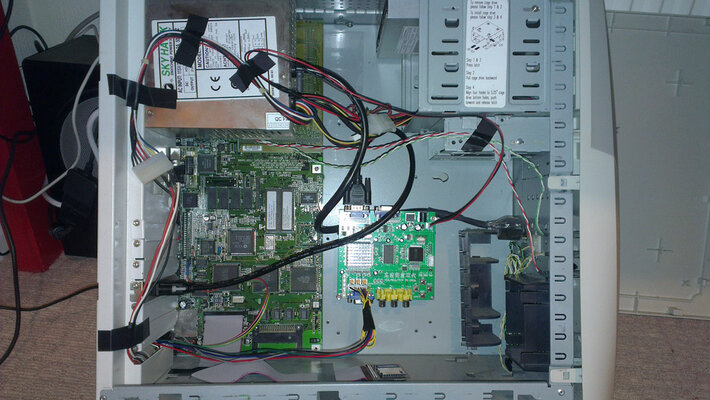
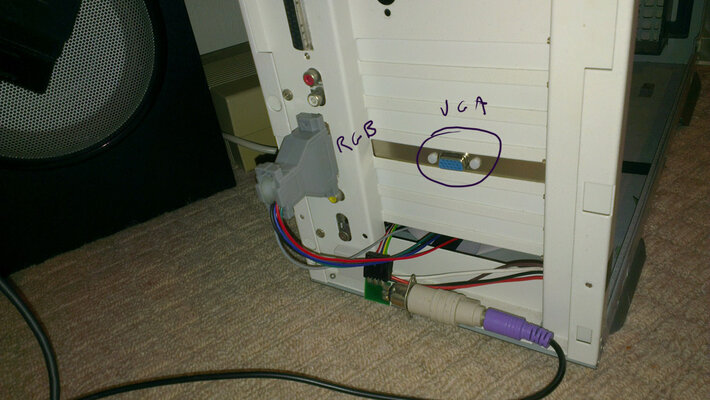
Anyone feel like opening theirs up and taking some photos?
Looks really good.
How well does it handle interlace? I like to run workbench in High Res Laced PAL.
Also, does it instantly change between interlaced and non-interlaced? Or is there a couple second pause? That's about the only fault I have with my XRGB-mini. It takes about 5 seconds to re-sync on the picture when switching between interlaced and non interlaced.
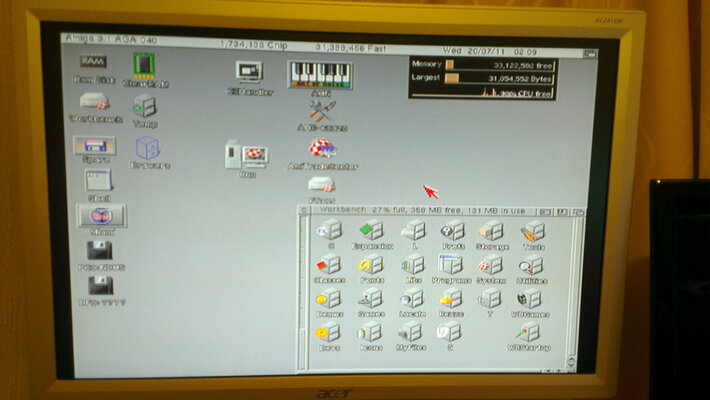
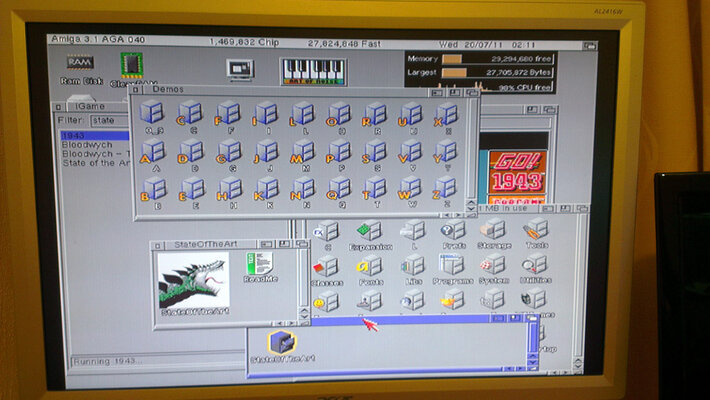
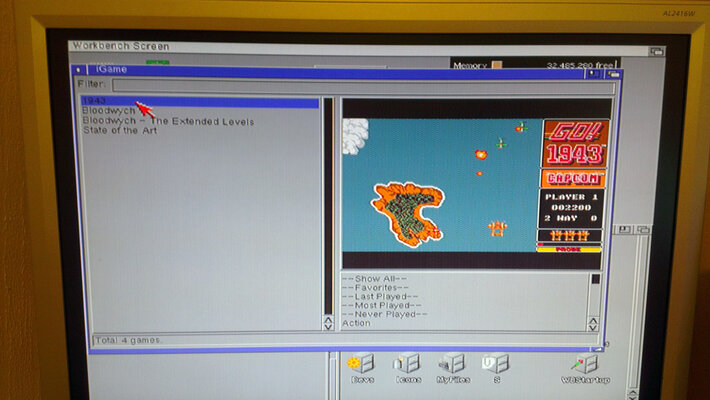
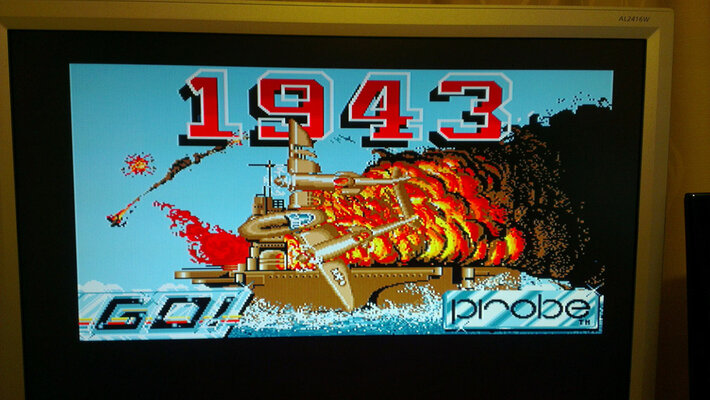
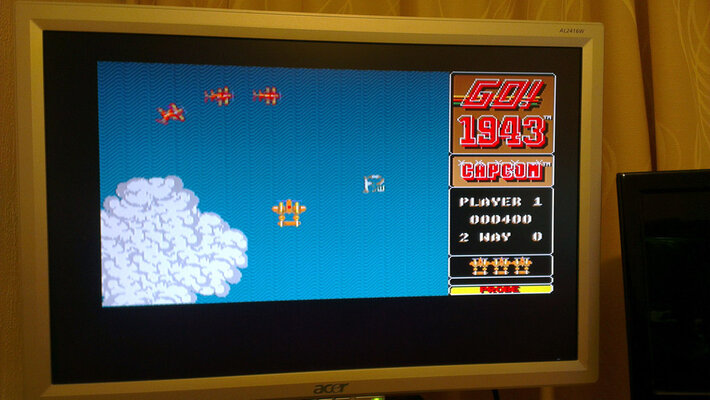
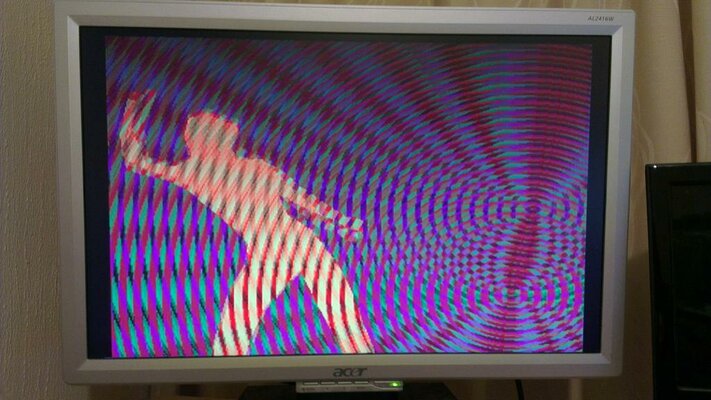
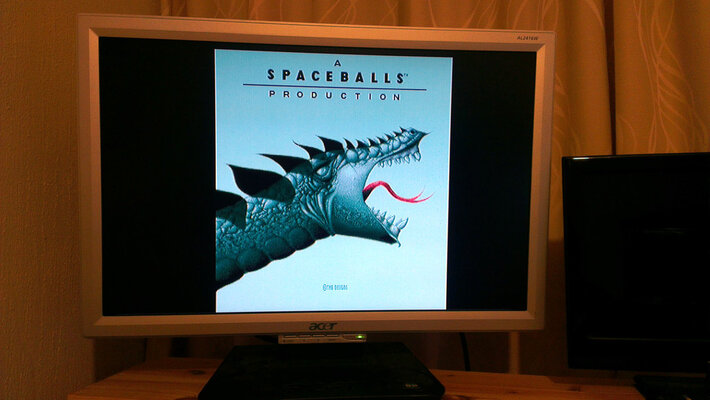
Ok so here's some Pics - a1200 @ 50hz to Samsung SyncMaster 225MS (set to 4:3 for correct image display) via SCART/RGB-HDMI Converter @ 720p50hz.
Ok so here's some Pics - a1200 @ 50hz to Samsung SyncMaster 225MS (set to 4:3 for correct image display) via SCART/RGB-HDMI Converter @ 720p50hz.
What would you look for in the specs of a tv/monitor for the ability to do 4:3 display in 720p 50? .... (or any of the HDMI inputs I guess)
Or will be pretty much trial'n'error / testing in-store before purchase....
Thanks
.aZtOcKdOg | .Key-J FReeLY

I've decided to use my tried and true method of downloading the manual and looking at the possible inputs / settings etc... narrowing the possibilities down to a few!
.aZtOcKdOg | .Key-J FReeLY

Has anyone tried to hook up a C64 to GBS-8220/8200? I know C64 does not output RGB signal, but is there any way of doing this? I don't mind the picture quality, but the signal has to go through the GBS... Any ideas?
Has anyone tried to hook up a C64 to GBS-8220/8200? I know C64 does not output RGB signal, but is there any way of doing this? I don't mind the picture quality, but the signal has to go through the GBS... Any ideas?
You could just take your C64 to scart output, soldering the GBS wires to the relevant pins into the GBS header and it should look about as good as the original scart image, dependant on your TV/monitor you use.
Buy the cable here http://www.vesalia.de/e_c64kabel.htm
Or here http://www.retrogamingcables.co.uk/commodore-c64-vic20-128-audio-video-scart-av-cable-tv-lead-for-sale.html
Or here http://compare.ebay.co.uk/like/250953027414?_lwgsi=y<yp=AllFixedPriceItemTypes&var=sbar&adtype=pla&crdt=0&ff3=1&ff11=ICEP3.0.0&ff12=67&ff13=80&ff14=64&ff19=0