Tapuino, the $20 C64 Tape Emulator

  • Thread starter Thread starter sweetlilmre
  • Start date Start date
  • Replies Replies 1059
  • Views Views 299319
tap does not counting percent am I still "Loading: 0% M /"

tap does not counting percent am I still "Loading: 0% M /"

Hello,
I have a home computer C64 childhood, and I not have the original tape "somewhere lost in moving," and I discovered this amazing project.
Immediately I was excited and started to working .... I managed to Tapuino R2.
Everything looked fine, but when I try to load a game with *.tap does not counting percent am I still "Loading: 0% M /"
The computer registered loading screen turns gray OK.
Please advice where might be wrong?
Thank you
 
Hello,
I have a home computer C64 childhood, and I not have the original tape "somewhere lost in moving," and I discovered this amazing project.
Immediately I was excited and started to working .... I managed to Tapuino R2.
Everything looked fine, but when I try to load a game with *.tap does not counting percent am I still "Loading: 0% M /"
The computer registered loading screen turns gray OK.
Please advice where might be wrong?
Thank you

Hi Detik

I would suggest taking a close look at your wiring to the Motor pin and your Opto-coupler. It’s a possibly that the motor signal from the C64 isn’t making it to the Arduino hence the progress remains at 0% and forever waiting for when it should begin rolling the tape.

 
Last edited:
Hi, thank you, a blown fuse in the C64, that I think is among other things responsible for the Tape Engine and SID chip.
 
I have the 7.2 kit and built it ,how do i put the firmware on the arduino board..?
Copied from somewhere, I don't remember, may be from this thread:huh:

1. Get the code from GitHub: https://github.com/sweetlilmre/tapuino (choose Download Zip in the right hand menu, or clone the repo if you know how to)
2. Install the Arduino IDE (1.6.1): http://arduino.cc/en/Main/Software
3. Open the Tapuino.ino file from the source in the IDE
4. Under the Tools menu, set the board to Arduino Nano
5. Connect the Nano, make sure the drivers are installed. If not install drivers from where you installed the IDE under the drivers folder (dpinst-amd64.exe or dpinst-x86.exe or install the drivers for your serial chip if you are using a clone).
6. Under tools menu, make sure the correct COM port is selected.
7. Press the right arrow -> icon next to the tick mark icon and the board should flash.
 
Last edited:
HELP...??

Error code..

Arduino: 1.8.1 (Windows 10), Board: "Arduino Nano, ATmega328"

In file included from sketchcomms.c:4:0:


sketchconfig.h:5:25: fatal error: config-user.h: No such file or directory


#include "config-user.h"


^


compilation terminated.


exit status 1
Error compiling for board Arduino Nano.


This report would have more information with
"Show verbose output during compilation"
option enabled in File -> Preferences.

Before the firmware will compile successfully you will need to configure the source. This is achieved by creating a config-user.h file. An example file named config-user.h.example can be copied to config-user.h and then edited to choose appropriate configuration options.

What do I need to configure in this file for it to work with my LCD screen,do I just rename the file and compile it..?

// uncomment one of these sets for your specific LCD
// #define LCD_USE_1602_LCD_MODULE
// #define LCD_I2C_ADDR 0x27 // I2C address for the LCD
// #define LCD_USE_SSD1306_OLED_MODULE
// #define LCD_I2C_ADDR 0x3C // I2C address for the OLED
// #define LCD_USE_SSD131X_OLED_MODULE
// #define LCD_I2C_ADDR 0x3C // I2C address for the OLED


Which one do I uncomment,the first one..??
 
Last edited:
Well I compiled it and this is what it say after..

Code:
Sketch uses 27496 bytes (89%) of program storage space. Maximum is 30720 bytes.Global variables use 1733 bytes (84%) of dynamic memory, leaving 315 bytes for local variables. Maximum is 2048 bytes.
Low memory available, stability problems may occur.

- - - Updated - - -

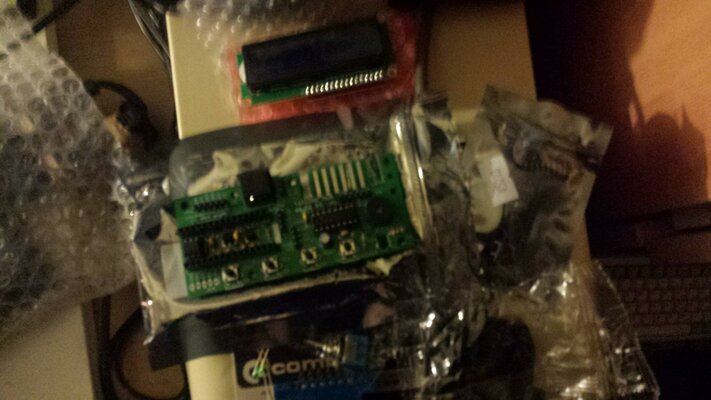
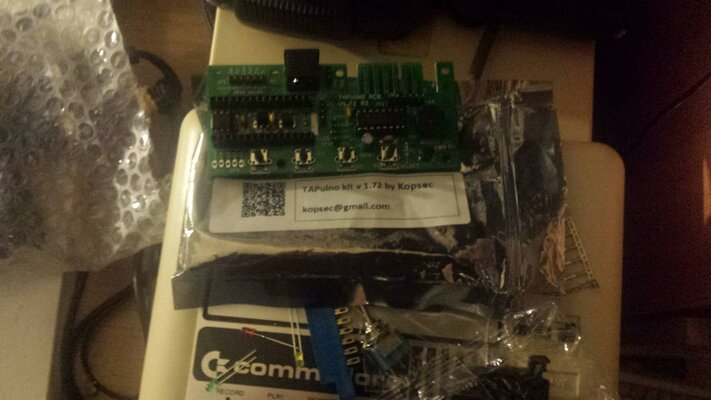
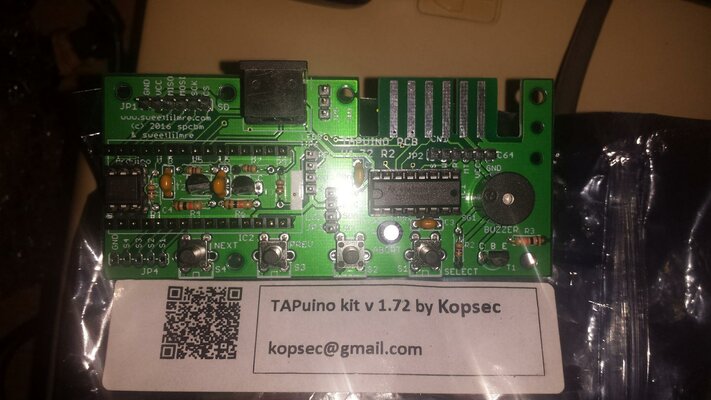
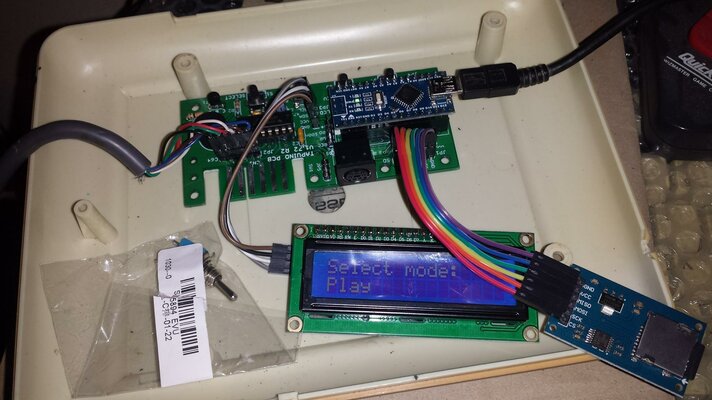
Here are some build pictures to show you,if you don't mine me posting them here,if you do,I will take them down and put them somewhere else.

20170214_220803.jpg 20170210_232151.jpg 20170210_232130.jpg

One more picture showing that its flashed fine..;)

20170218_154513.jpg

Thanks for making this and making it available to others..;)
 
Last edited:
One more thing,whats the switch for,is it for when you connect a datassette to it or something..?
 
Last edited:
I think it's to turn the speaker sound on/off. Not sure though as I don't have that board model.

Sent from my ONEPLUS A3003 using Tapatalk
 
I have the 0% problem,where its not counting up..0%..1%..2%..Anyone know why..?

It can detect it there cos the screen goes blue to load a game,its like the tap file is not playing.. all thats moving is the star next to the m in the top right corner
 
Last edited:
One more thing,whats the switch for,is it for when you connect a datassette to it or something..?
It's to change speaker sound: read/off/write.
Central position is mute and the other 2 for read or write.

- - - Updated - - -

I have the 0% problem,where its not counting up..0%..1%..2%..Anyone know why..?

It can detect it there cos the screen goes blue to load a game,its like the tap file is not playing.. all thats moving is the star next to the m in the top right corner

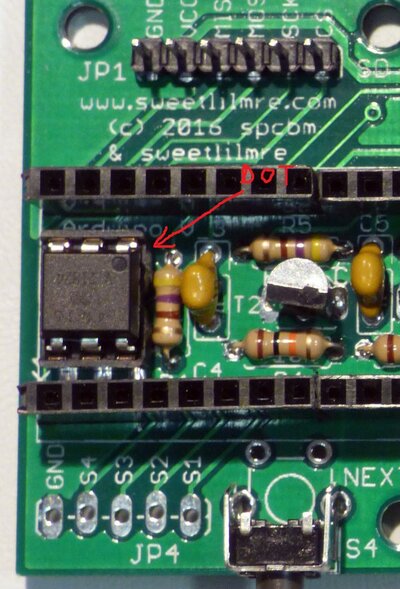
Check that the optocoupler is installed in the right way, check socket soldering:

P1010037opto.jpg

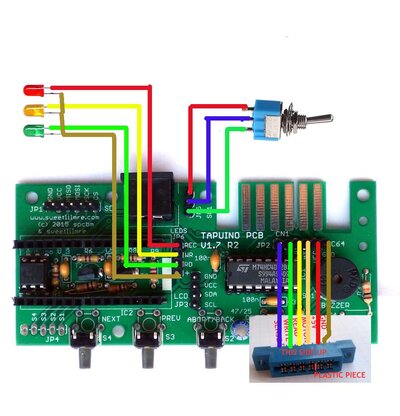
Also check cable from C64 to Tapuino, sometimes is not making contact usually the 6 pin connector to Tapuino PCB, check it with multimeter, the motor line (light orange in the picture)

P1000286d.jpg
 
Last edited:
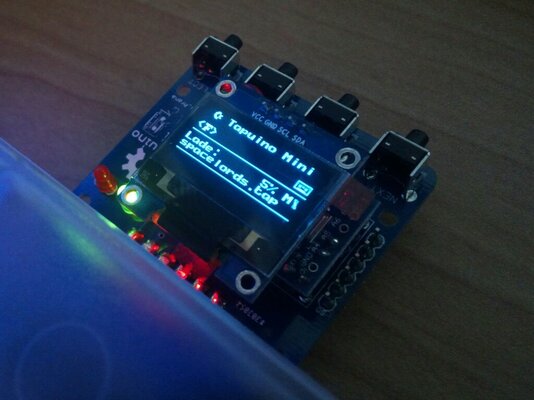
Just build a tapuino mini with oled display.
The PCBs i got from DirtyPCBs.
Deleted some of the options-menu-code to get more free space of memory. So I could at more lines for grafic.
IMG_20170201_174550~01.jpg
 
ooooo thats nice,... want one lol :)
 
Back
Top Bottom