

Hi all 
So I have a 1.0 Xbox that I flashed the tsop with evox, it uses a 1mb bios but I chose a 256kb and now I have a black screen. I tried the 3 wire trick to try booting from different banks of the tsop but got nowhere.
I know I can just install a modchip but I don't have one to hand and I'd like to try and restore the tsop.
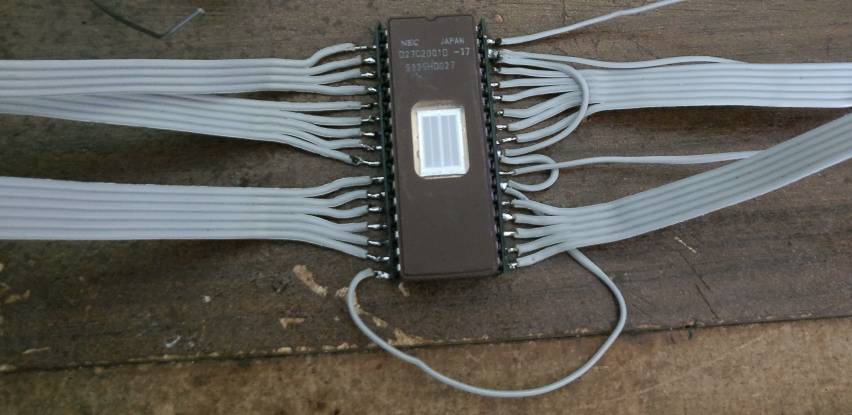
So I did some digging and came up with an old tutorial about wiring up a 27c2001 EPROM as a custom modchip which once booted can be disconnected and the tsop reflashed. Now I've programmed the chip with evox 2.6 bios and wired up the 29 wires as instructed in this page
https://web.archive.org/web/20151009063717/http://www.xbox-scene.com/modchips/ownmod_diagrams.html
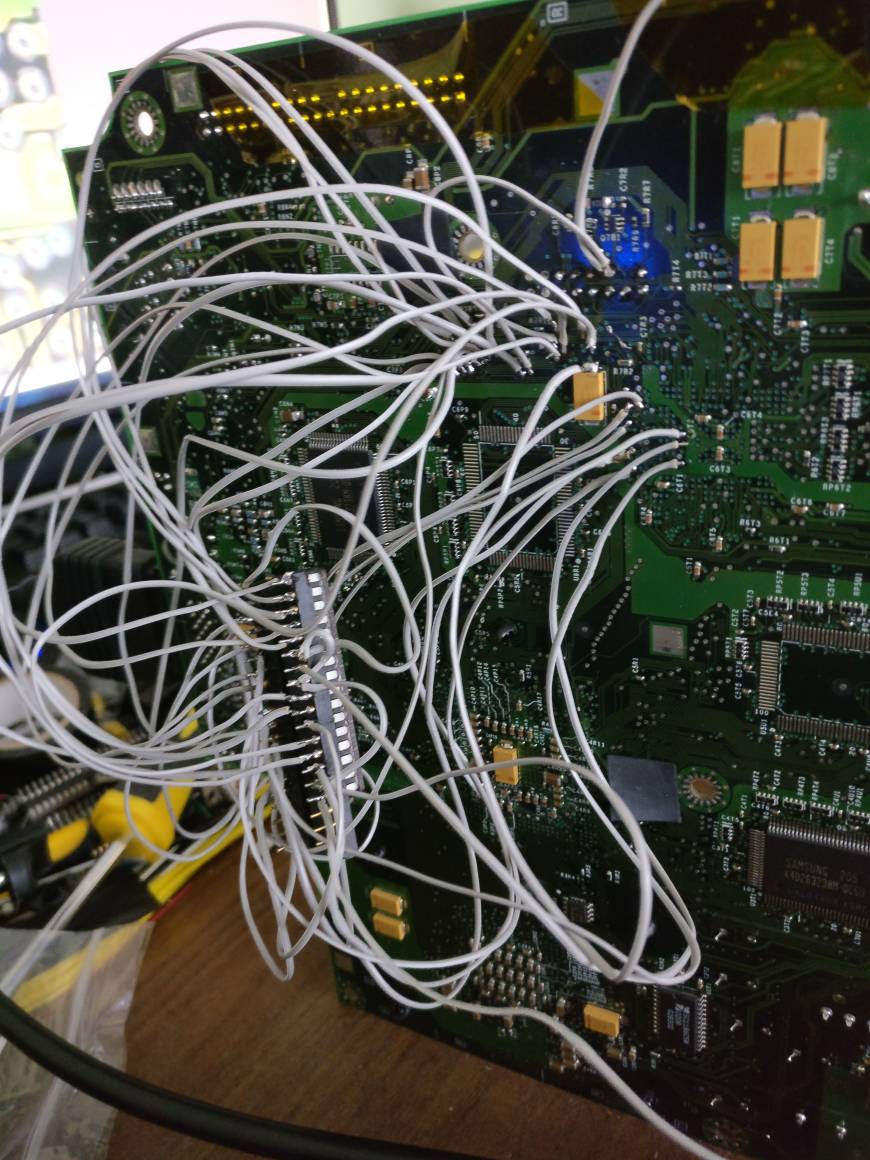
It's not pretty but it does boot and is working fine however this is where I'm failing. According to what I've been reading once booted into evox you need to disconnect pin 32 a link on the motherboard that piggybacks off pin32 and pin16 to disable the eprom allowing the tsop to be flashed.
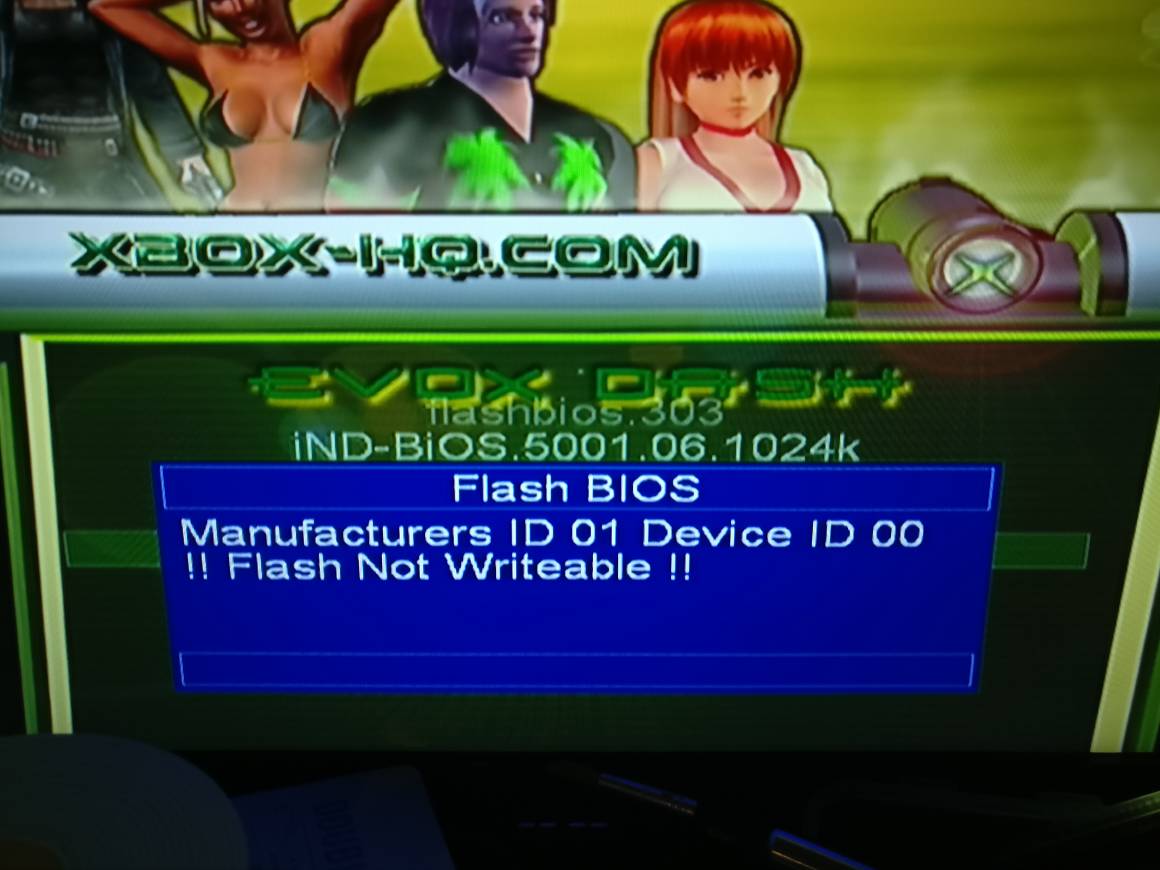
I have disconnected the connections as advised but I can't reflash, evox tells me unknown device/ chip not writeable
Anyone have any tips as to what I can try?

Sent from my ONEPLUS A3003 using Tapatalk
So I have a 1.0 Xbox that I flashed the tsop with evox, it uses a 1mb bios but I chose a 256kb and now I have a black screen. I tried the 3 wire trick to try booting from different banks of the tsop but got nowhere.
I know I can just install a modchip but I don't have one to hand and I'd like to try and restore the tsop.
So I did some digging and came up with an old tutorial about wiring up a 27c2001 EPROM as a custom modchip which once booted can be disconnected and the tsop reflashed. Now I've programmed the chip with evox 2.6 bios and wired up the 29 wires as instructed in this page
https://web.archive.org/web/20151009063717/http://www.xbox-scene.com/modchips/ownmod_diagrams.html
It's not pretty but it does boot and is working fine however this is where I'm failing. According to what I've been reading once booted into evox you need to disconnect pin 32 a link on the motherboard that piggybacks off pin32 and pin16 to disable the eprom allowing the tsop to be flashed.
I have disconnected the connections as advised but I can't reflash, evox tells me unknown device/ chip not writeable
Anyone have any tips as to what I can try?
Sent from my ONEPLUS A3003 using Tapatalk


