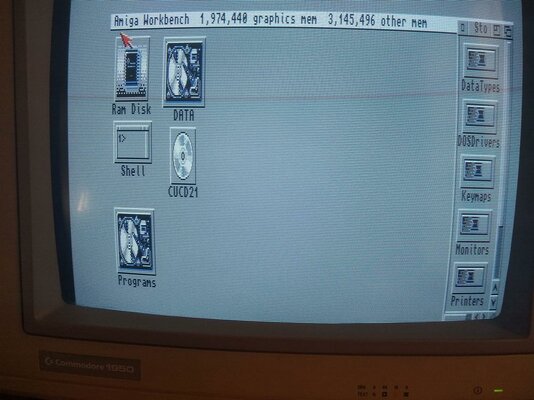
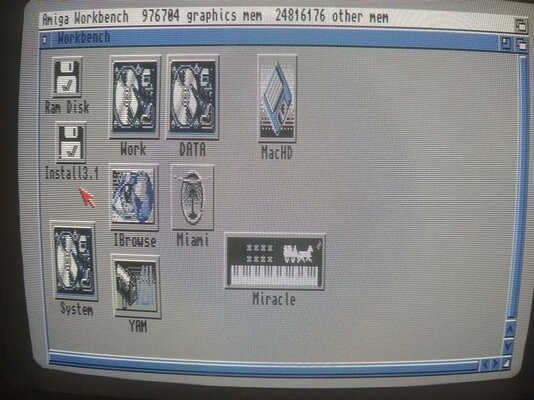
Hi!
You would need to install a filesystem for the CDROM to start with. Did you manage to do that? Depending on which version you used you might need to set the correct SCSI ID in the tooltypes of the icon in DEVS. Same goes for the two files I shared for the Zip drive (put them in DEVS DOSDrivers). Then edit the tooltypes (click the icon once and select "Information" in the workbench menu) and set the correct SCSI device and SCSI ID.
I brought another working 3000 and the IBM SCSI CD drive mounted in a case with me to California on March 11 to continue the quest. The OS is WB 3.1, with KS 3.1 as well. HD Toolbox, and identifies my 110 MB hard drive at LUN 6 and the CD drive at LUN 3, status "Unknown". Clicking on "Change Drive Type" changes LUN 3 to IOMEGA ZIP 100 E.08, and under Define a New Drive Type, "Read Configuration" opens a box "Unit is not a disk (type5)! "Continue" goes back to the drive definitions, which are not the same as the Iomega Zip, and can't be saved. Going to Devs/DOSDrivers, there are 5 icons, PIPE,PCO,RAD,AUX,and PC1, all "already mounted".
I do not have a PC with a floppy disk drive, and although both laptops have WinUAE version 6, I have no way here of converting .adf or zip files and copying them to a floppy disk which is readable on my A3000. So, am I stopped for now?