Thank you this guide. It helped me a lot setting up a A4000 + mediator + voodoo 3 + sonnet PPC setup I ended up with recently. I never had PCI back in the day so I had no idea what was needed to get it working.
For anyone else that is googling about the rtl8039 driver not being able to allocate 44kbytes of dma memory and trying "DMASize=xxx" and getting frustrated:
For openpci68k + the recent voodoo driver (
https://aminet.net/package/driver/video/Voodoo) or maybe any of the gfx drivers by the same guy + p96. In the documentation for openpci68k in the FAQ there is a note about this and it says to add "GRANTDIRECTACCESS=Yes" to tooltypes of the monitor. Adding that will allow it to work (For miamidx at least you can go online once but if you offline and try to online again it doesn't work, but the first time you go online networking is usable). Took me ages to find that note

You don't need the DMASize thing.
For reference the complete setup process for me has been:
- Install Amiga OS 3.1.4 (I wanted 3.1 with the large disk annoyances fixes)
- Install mmulib (
https://aminet.net/package/util/libs/MMULib)
- Install openpci68k (
https://aminet.net/package/driver/other/openpci68k)
- Buy p96 from icomp, install it
- Install the voodoo driver (
https://aminet.net/package/driver/video/Voodoo)
- Make the changes to the generic monitor to make it use the voodoo driver
- Add the GRANTDIRECTACCESS thing
- Install MUI3.9
- Install MiamiDX
- Grab the rtl8039 driver(
http://bvernoux.free.fr/DevPCI.php)
- Configure it in line with readme
- Configure the interface in miamidx



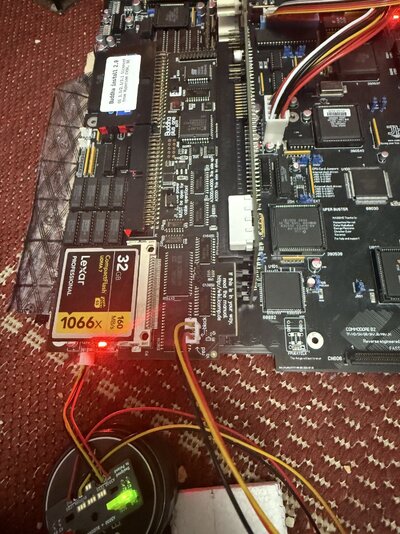


 and rgb2hdmi works fine
  I have no idea what’s the cause
